
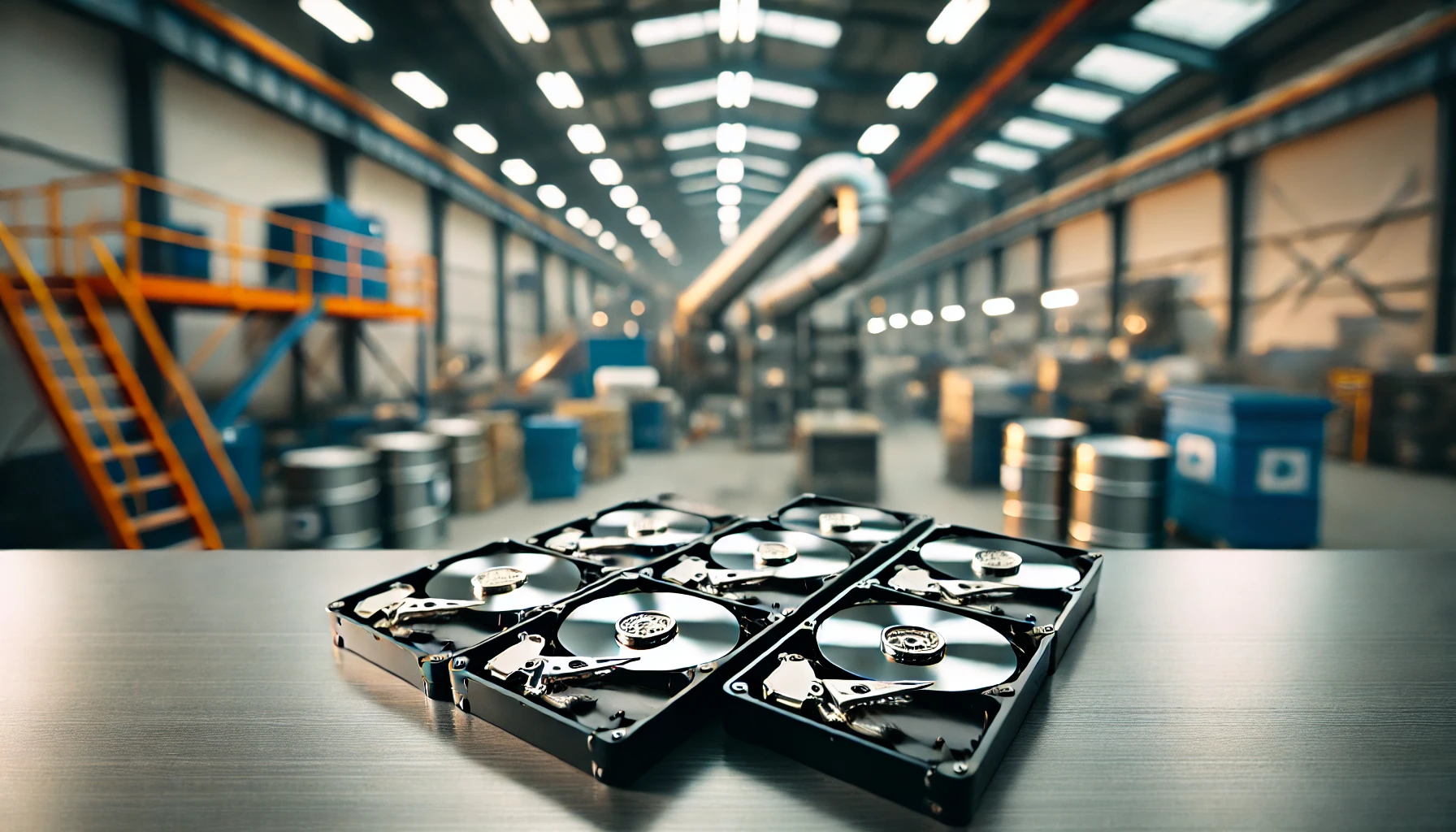

Most people know an old hard drive should be destroyed at some point. The harder question is when. Leave it too long and old drives pile up in cupboards and storerooms, where they can be lost, stolen or thrown out by mistake. Destroy one too soon and you might lose data you still need.
This guide explains what hard drive shredding is, the key times when you should shred a drive, the different destruction methods and how to choose a trusted provider. It covers both businesses and home users. If you want the practical side, see our guide on how to shred your hard drives.
What is Hard Drive Shredding?
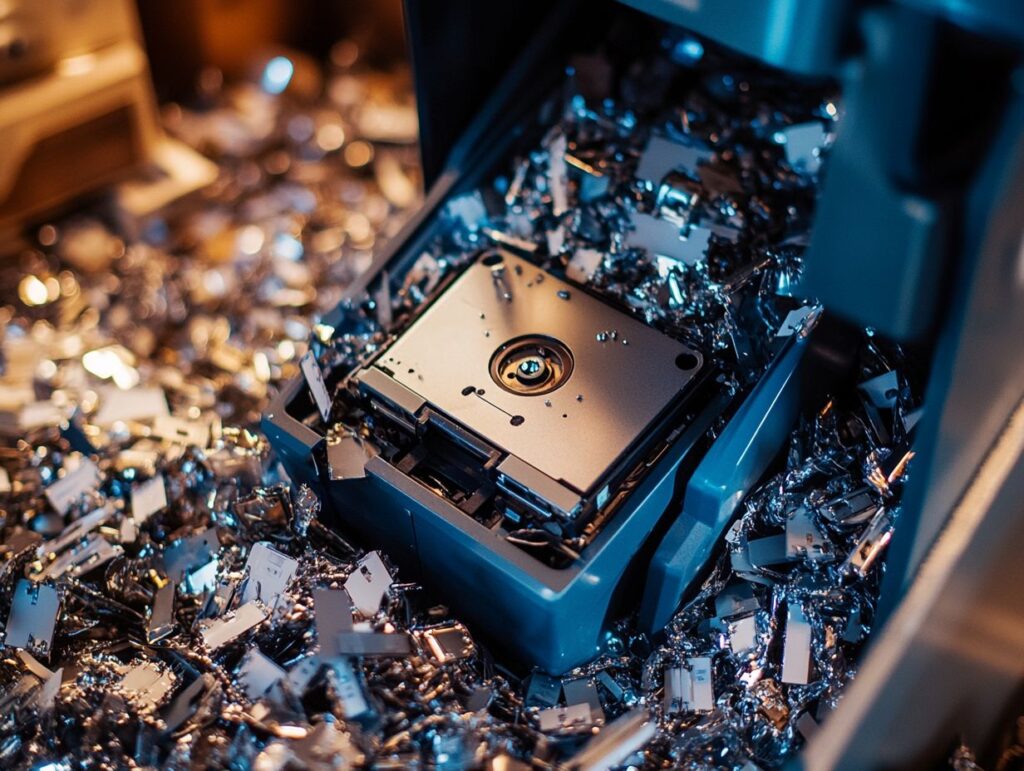
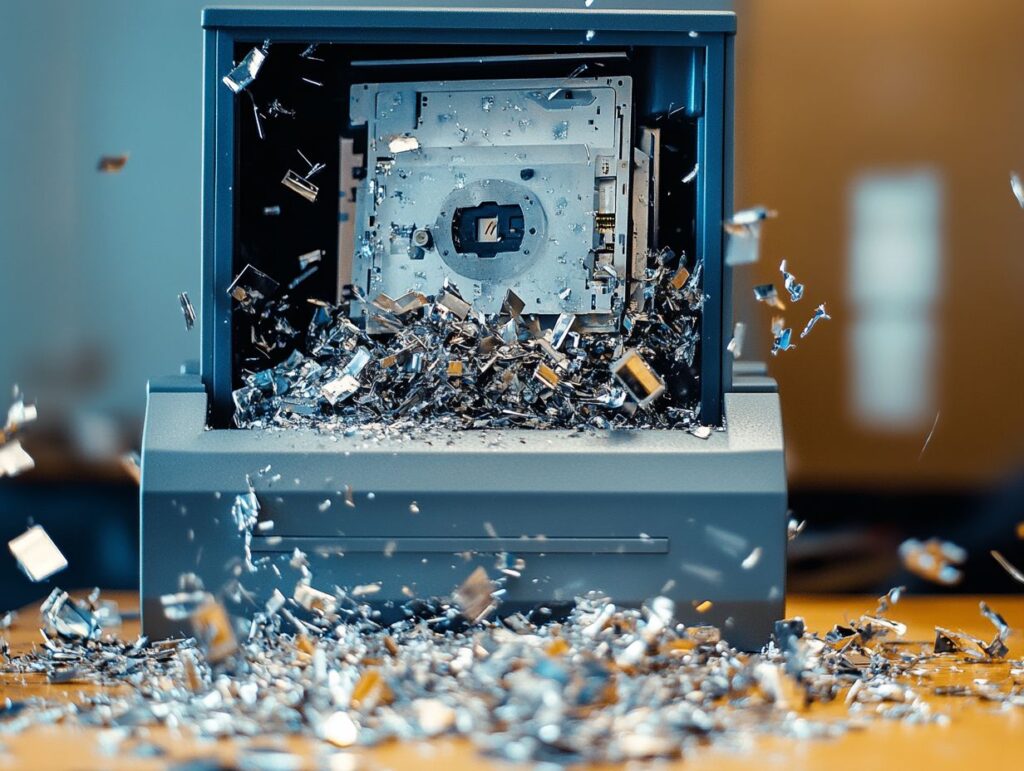
Hard drive shredding is the physical destruction of a hard drive using an industrial shredder. The drive is cut into small fragments of metal and plastic, so the data on it can never be read or recovered.
It matters because deleting files or reformatting a drive does not remove the data. It only removes the signpost to it. The files stay on the drive and can often be brought back with free recovery software. Read more about how criminals can recover data from a hard drive.
Shredding works on every type of storage, including standard hard drives (HDDs), solid state drives (SSDs), USB sticks, memory cards and phones. It protects customer records, staff details, financial information and anything else stored on the drive. It also helps you meet your duties under UK GDPR.
After shredding, the fragments should be recycled. At Total Shred, all shredded hard drive material is sent for WEEE recycling, so nothing goes to landfill. Here is our step-by-step hard drive shredding process.
Reasons for Hard Drive Shredding
There are three main reasons to shred a hard drive: to keep data secure, to meet your legal obligations and to protect people from identity theft. As businesses store more data on more devices, the risk of something going wrong grows.
The UK government’s Cyber Security Breaches Survey 2025/26 found that 43% of UK businesses had a cyber security breach or attack in the previous 12 months. Old drives that have not been destroyed properly add to that risk.
Data Security and Compliance
Under UK GDPR, you are responsible for personal data until it has been destroyed. That includes data on old computers, servers and storage devices that are no longer in use.
A clear destruction policy helps you stay compliant. It should say which devices are destroyed, when, by whom and how. Regular checks make sure the policy is being followed. Every destroyed drive should have a matching Certificate of Destruction, which gives you proof if the ICO or an auditor ever asks.
A formal process also shows customers and partners that you take their data seriously. That can be the difference when winning contracts, especially in the public sector, healthcare, legal and financial services.
End of Life for Devices
The most common time to shred a drive is when the device it sits in reaches the end of its life. Laptops and desktops are usually replaced every three to five years, and servers when they are upgraded or moved to the cloud.
This is the moment of highest risk. Old equipment often sits in storerooms for months, gets passed between departments or is collected by recyclers who do not destroy the data. The safest approach is to remove the drive and shred it as part of your IT equipment disposal process.
The rest of the equipment can then be recycled responsibly. Using a provider that recycles under WEEE rules keeps valuable materials in use and out of landfill. Find out more about how shredding is good for the environment.
When to Shred a Hard Drive
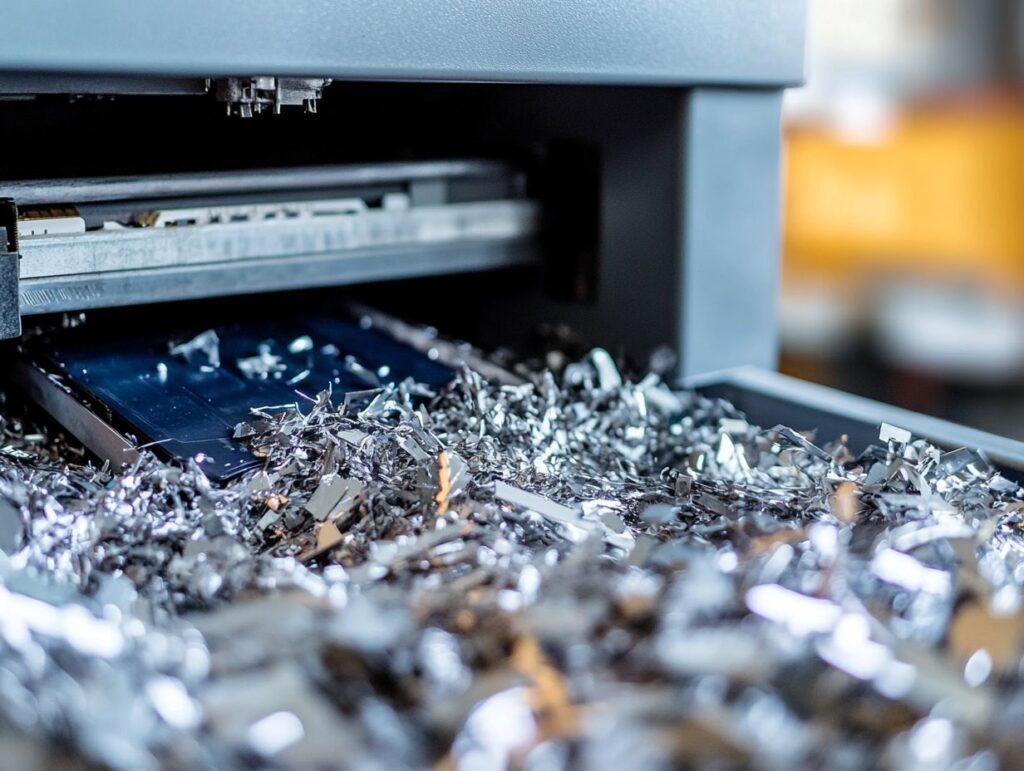
The right time to shred a hard drive is as soon as you no longer need the data on it, and before the drive leaves your control. Your data retention policy should set out how long different types of data are kept, so you know when that point has been reached.
It also helps to keep a register of every drive you own, so none get forgotten.
Key Times for Data Destruction
These are the key times when a hard drive should be shredded:
- When you upgrade or replace computers – old laptops, desktops and servers should have their drives shredded before the equipment is recycled, sold or donated.
- Before selling, donating or giving away equipment – never pass on a device with its original drive unless the data has been securely wiped and checked. If in doubt, shred the drive and fit a new one.
- When a drive fails or is replaced under warranty – a broken drive can still hold readable data. Ask your supplier if you can keep the faulty drive and have it shredded instead of sending it back.
- At the end of a data retention period – when records reach the end of their retention period, the drives or backups holding them should be destroyed.
- When you move office or close a site – office moves are when old equipment gets lost or left behind. Clear it out and shred the drives before you go.
- When leased equipment goes back – check your lease. Many leasing companies let you keep and destroy the drive for a small fee.
- After a merger, acquisition or restructure – duplicate systems and surplus equipment should be reviewed, and drives that are no longer needed destroyed.
- When an audit finds old drives – any forgotten drives in drawers, cupboards or storerooms should be logged and shredded.
For home users, the key times are when you replace a laptop or computer, move house, or clear out a loved one’s belongings. Our residential hard drive shredding service is designed for this.
Leaving old drives lying around can lead to a data breach, ICO action and damage to your reputation. Cases like the Yahoo data breach show how much damage exposed data can do.
Methods of Hard Drive Shredding
There are three main ways to destroy the data on a hard drive: physical destruction, degaussing and overwriting. Each has its strengths, but they are not equally secure.
The right choice depends on the type of drive, whether you want to reuse it and how sensitive the data is. For a full comparison, see our guide to secure data destruction methods.
Physical Destruction
Physical destruction, usually by hard drive shredding, is the most secure method. The drive is fed into an industrial shredder and cut into small fragments, so there is nothing left to recover.
It works on every type of storage, including HDDs, SSDs, USB sticks, memory cards and phones. It is quick, it can handle large volumes in one visit and you can see the result straight away. That makes it easy to prove the job has been done.
Trying to destroy a drive yourself with a hammer or drill is not a safe alternative. It can leave large parts of the storage intact and can cause injury. Read about the risks of DIY hard drive destruction.
Degaussing
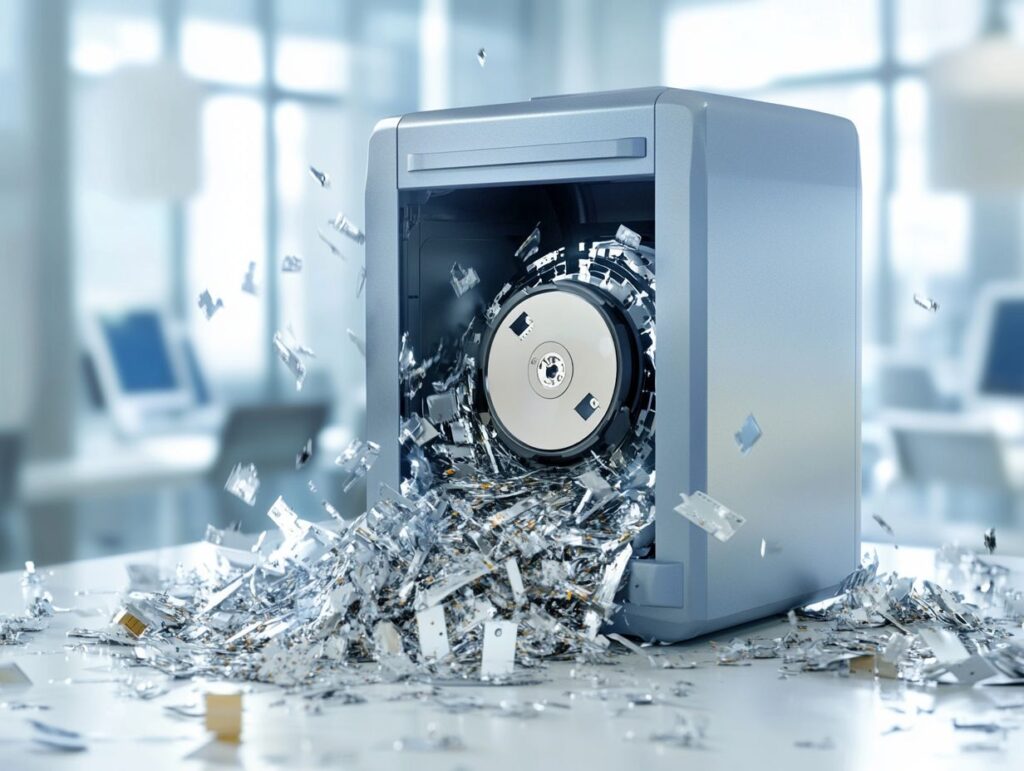
Degaussing uses a very powerful magnet to scramble the magnetic field that stores data on a hard drive or tape. Once a drive has been degaussed, the data is unreadable and the drive will no longer work.
It is fast, but it has limits. Degaussing only works on magnetic media, such as standard hard drives and backup tapes. It does not work on SSDs, USB sticks or memory cards, because they store data on chips rather than magnetically.
It also leaves the drive looking exactly the same, so there is no visible proof that the data has gone. For that reason, many organisations degauss drives and then shred them as well. Find out more about degaussing for hard drive disposal.
Overwriting
Overwriting (also called data wiping) uses software to write new data over everything on the drive, so the old files cannot be read. The drive still works afterwards, so it can be reused or resold.
For overwriting to work, it must cover the whole drive and be checked afterwards to confirm it worked. On modern hard drives, one full, verified pass is generally enough. It is less reliable on SSDs, because they keep spare areas the software cannot always reach.
Overwriting is a good option when equipment is being reused inside your organisation. When a drive is leaving your control for good, shredding is safer. See our comparison of hard drive shredding vs wiping.
Choosing a Hard Drive Shredding Service
Not every company that collects old IT equipment destroys data properly. Some resell drives, and some only wipe them. Choosing the right provider protects you from that risk.
Look for recognised accreditations, a clear chain of custody and written proof every time. Our hard drive destruction service is built around all three.
Factors to Consider
Before you book, check that the provider offers:
- Recognised UK accreditations – look for BS EN 15713, the British standard for secure destruction of confidential material, plus ISO 9001, ISO 14001 and BSIA membership.
- Vetted staff and a secure chain of custody – every drive should be logged, ideally by serial number, and kept in sealed containers until it is destroyed.
- On-site shredding – so you can watch your drives being destroyed. Read how on-site shredding helps with compliance.
- A Certificate of Destruction – listing the date and the serial number of each drive.
- Responsible recycling – shredded material should be recycled under WEEE rules.
- Clear pricing – with no hidden collection fees.
Total Shred ticks every box. We follow BS EN 15713, are ISO 9001 and ISO 14001 certified, BSIA members and hold Cyber Essentials. We offer on-site, off-site and drive-thru hard drive shredding across the UK, with a Certificate of Destruction emailed for every job. Prices start from as little as £5 per device. Get a free quote or call 0800 298 4009.
Frequently Asked Questions
Why is it important to shred a hard drive?
Shredding a hard drive ensures that all confidential data is permanently erased, preventing it from falling into the wrong hands and reducing the risk of identity theft or data breaches.
What are the key times for data destruction?
The key times for data destruction include when a hard drive is no longer needed, when upgrading to a new computer, when disposing of old equipment, when leaving a job or organisation, and when closing a business.
When should I shred a hard drive when leaving a job?
If you are leaving a job, it is important to shred your hard drive before leaving to ensure that any sensitive company data is properly disposed of and cannot be accessed by others.
Is it necessary to shred a hard drive before disposing of old equipment?
Yes, it is necessary to shred a hard drive before disposing of old equipment. Simply deleting files or formatting the drive is not enough to completely erase the data and protect sensitive information.
Can I shred a hard drive myself or should I use a professional service?
While you can shred a hard drive yourself, it is recommended to use a professional service. They have specialised equipment and processes to ensure that all data is completely destroyed and cannot be recovered.
How often should I shred a hard drive?
It is recommended to shred a hard drive whenever it is no longer needed or before disposing of old equipment. It is also a good idea to regularly review and shred old hard drives to prevent any potential data breaches.