

I
When a business retires old laptops, PCs or servers, the data on their drives has to go too. There are two main ways to do it: shred the drive, or wipe it with software.
Both can work, but they suit different situations. Shredding destroys the drive for good. Wiping erases the data so the drive can be reused or sold.
This guide compares hard drive shredding vs wiping on security, cost, SSDs and UK compliance, so you can pick the right method for your drives.
Why Data Destruction Is Important for UK Businesses
Old drives hold more than most people think. That includes customer records, staff files, invoices, emails and saved passwords. Deleting files or formatting a drive does not remove that data. Free recovery tools can often bring it back.
Under UK GDPR, you must keep personal data secure until it is fully destroyed. The ICO’s guide to data security says your security measures must match the risk. A resold laptop with customer data still on it is exactly that kind of risk.
Getting it wrong can mean ICO fines, lost client trust and a damaged reputation. This applies to every sector, from healthcare and legal firms to small offices.
That is why choosing the right destruction method matters.
Methods of Hard Drive Data Destruction
There are two main ways to destroy data on a hard drive: hard drive shredding, which is physical, and data wiping, which uses software.
Other methods exist, such as degaussing and crushing, but shredding and wiping are the two most businesses choose between.
Shredding vs Wiping: The Key Difference
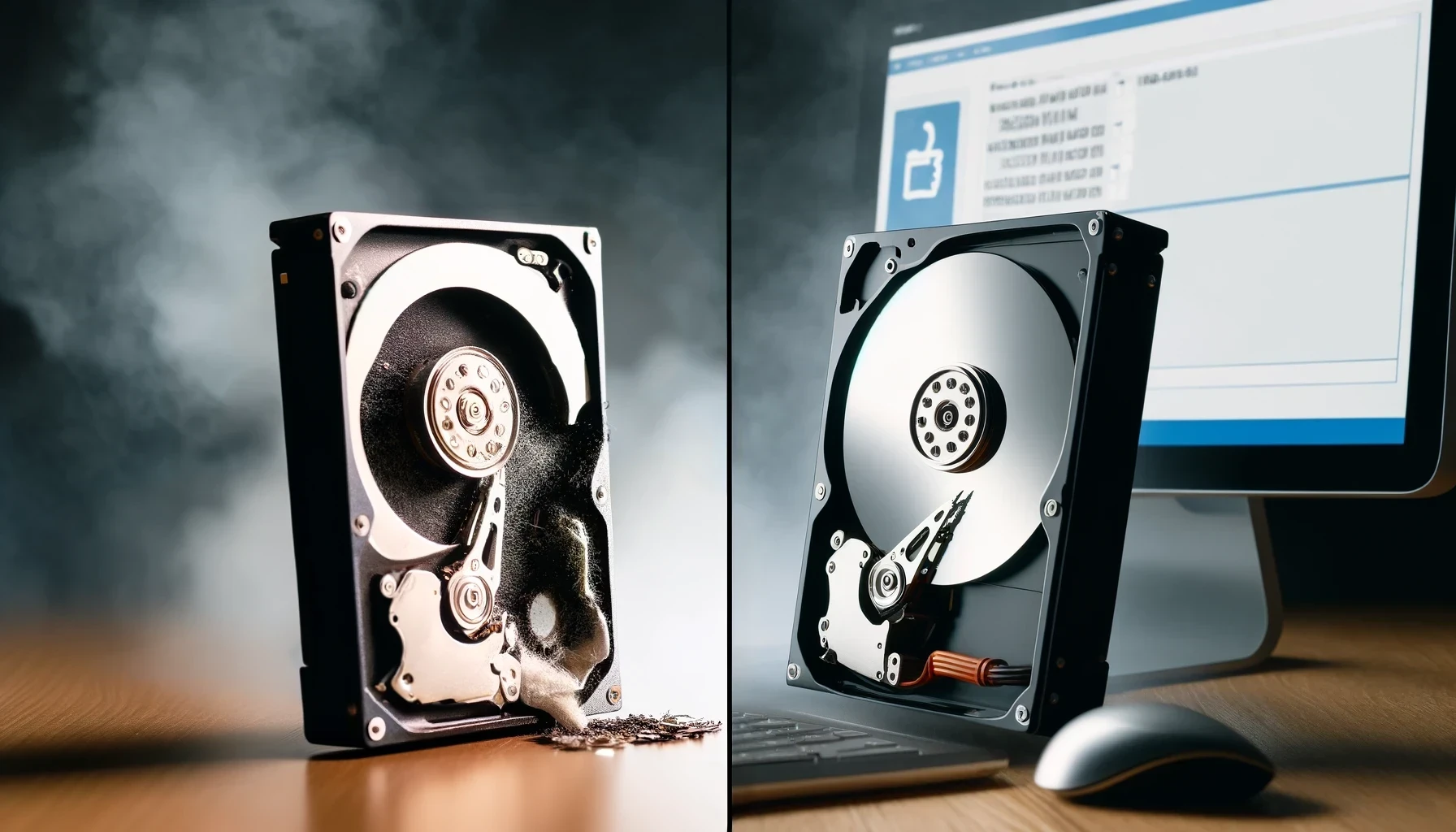
Shredding puts the drive through an industrial shredder. The drive is torn into small fragments, so the data and the device are both gone for good.
Wiping uses software to overwrite every part of the drive with meaningless data. The drive survives and can be reused, resold or returned to a leasing company.
So the real question is simple: do you need the drive again? If not, shredding is the safer choice. If you do, wiping is the way to keep it.
Hard Drive Shredding
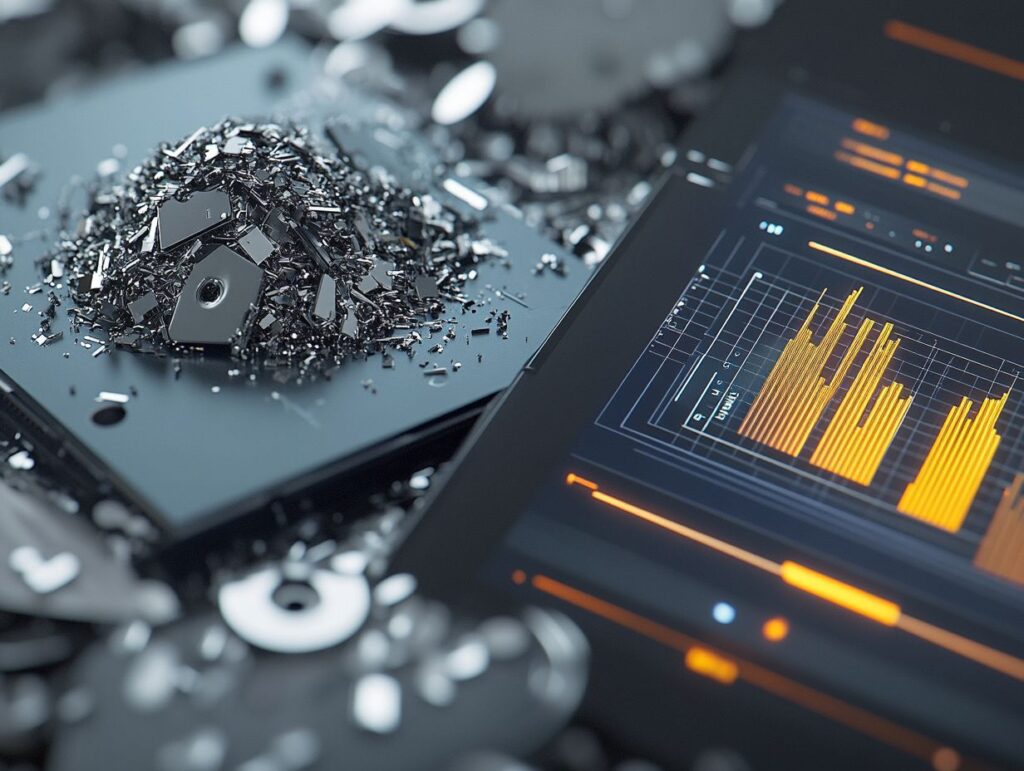
Hard drive shredding is the physical destruction of a drive using an industrial shredder built for metal casings. It works on spinning hard drives (HDDs), solid state drives (SSDs), USB sticks and backup tapes.
Once shredded, there is nothing left to recover. You receive a certificate of destruction listing each drive’s serial number as proof.
How Effective Is Hard Drive Shredding?
Shredding is the most certain method of data destruction. It does not depend on the drive working, or on software reaching every part of it. Broken, damaged and failed drives can all be shredded.
Drives are logged by serial number, shredded on-site or at a secure facility, then recycled under the WEEE Regulations. For a full walkthrough, see our step-by-step hard drive shredding process.
The only downside is that the drive cannot be reused. For most businesses retiring old equipment, that is not a problem.
Hard Drive Wiping
Hard drive wiping, also called data erasure, uses specialist software to overwrite all the data on a drive. When done properly, the old data cannot be read, and the drive can be used again.
Wiping suits businesses that lease equipment, resell laptops, or pass devices to other staff.
How Effective Is Hard Drive Wiping?
Wiping works well on a healthy spinning hard drive, but it has limits. The drive must power on and work properly. Damaged or failing drives often cannot be wiped at all.
SSDs are harder still. They spread data across memory chips in ways overwriting software cannot always reach. They need the drive’s built-in secure erase command or encryption-based erasure instead. The UK National Cyber Security Centre explains this in its guide to secure sanitisation of storage media.
You may see DoD 5220.22-M mentioned. It is an older US Department of Defense standard, not a UK one. What matters most today is checking and recording that each wipe actually worked.
Factors to Consider When Choosing a Method

The right choice depends on four things: how sensitive the data is, what type of drive it is, whether you need the drive again, and what proof you need.
Here is how shredding and wiping compare on each.
Security, Cost, and Environmental Impact
Security: shredding is the safest option, with no chance of recovery. Wiping is secure on healthy HDDs when done properly, but it is less certain on SSDs and damaged drives.
Cost: shredding is low cost per drive and quick, at a few seconds each. Wiping takes hours per drive, but it lets you keep or resell the hardware, which can offset the cost.
Environment: wiping lets a drive be reused, which is the greenest choice when it is possible. Shredded drives are not wasted either, as the metal and plastic are recycled under WEEE. See our environmental policy for how we handle this.
Shredding vs Wiping: Which Should You Choose?
Choose shredding if:
- the drives held sensitive personal or financial data
- the drives are old, broken or failing
- you have SSDs and need total certainty
- you need simple proof for an audit or the ICO
Choose wiping if:
- the drives are healthy and you plan to reuse or resell them
- the equipment is leased and must be returned
- the data on them is low-risk
Many businesses use both: they wipe devices being reused, and shred everything else. Total Shred provides secure hard drive destruction and shredding across the UK, on-site or off-site, with a certificate of destruction for every job. For whole office clear-outs, see our IT equipment disposal service.
Get a free quote or call 0800 298 4009.