

That old laptop in the cupboard or the desktop computer in the loft still holds more of your life than you might think. Bank details, tax returns, family photos, saved passwords, emails and scanned ID documents can all sit on a hard drive for years, even after you have deleted them.
Residential hard drive shredding is the simplest way to make sure that data can never be recovered. A professional shredding company physically destroys the drive, so there is nothing left for anyone to read.
In this guide we explain why proper disposal matters, the difference between on-site and off-site shredding, how the process works, what to do before and after, and how to choose a trusted provider. If you only need to wipe a phone or tablet before selling it, the National Cyber Security Centre has a helpful guide on buying, selling and donating second-hand devices.
Understanding the Importance of Hard Drive Shredding
Pressing “delete” or emptying the recycle bin does not remove a file. It only removes the signpost to it. The data itself stays on the drive until it is written over, and free recovery tools can often bring it back in minutes. Even a factory reset or reformat can leave data behind.
Shredding solves this for good. Once a drive has been cut into small pieces, the data is gone permanently. It also means you can recycle your old equipment responsibly, knowing that nothing personal goes with it.
Why Proper Disposal of Hard Drives is Critical
Old computers end up in all sorts of places: charity shops, online marketplaces, council tips, skips and recycling centres. Every one of these is a chance for your drive to fall into the wrong hands.
The information on a home computer is exactly what fraudsters look for. Your name, address, date of birth, bank statements and passwords are enough to open accounts or take out credit in your name. Action Fraud explains how identity theft happens and what to do if it happens to you.
There are two main ways to deal with an old drive:
- Data wiping – special software writes over the whole drive so old files cannot be read. It works well on standard hard drives if done correctly, but it is easy to miss a step and it is less reliable on newer solid state drives (SSDs).
- Physical shredding – the drive is destroyed so it can never be read again. This is the only way to be completely sure, and it works on every type of drive.
If you work from home, run a small business from your house or keep any customer or client details on your computer, the drive also holds other people’s personal data. Destroying it properly helps you meet your responsibilities under UK data protection law.
Types of Residential Hard Drive Shredding Services
Home users can choose how their drives are destroyed. The right option depends on how many devices you have, how quickly you need it done and whether you want to see the destruction happen.
Whichever route you choose, a professional service should give you the same end result: a destroyed drive, no chance of data recovery and written proof that the job is done.
On-Site vs. Off-Site Shredding
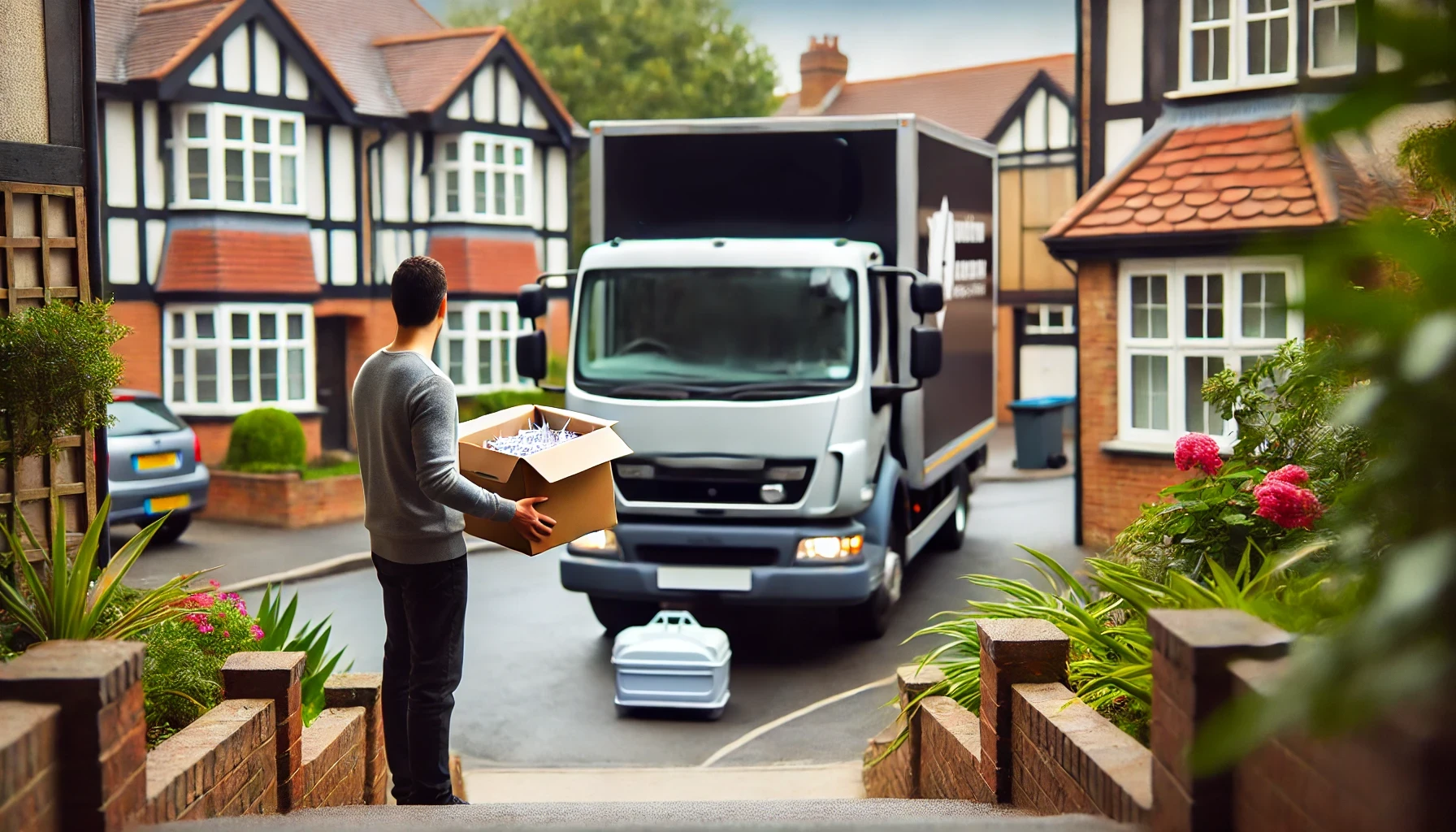
On-site shredding means the shredding comes to you. A mobile shredding vehicle parks outside your home and your drives are destroyed there and then. You can watch the whole process, so your data never leaves your sight. This is ideal if you want total peace of mind or have a large number of devices to clear.
Off-site shredding means your drives are collected and taken to a secure shredding facility. At Total Shred, devices are sealed in tamper-proof containers for the journey and destroyed at our facility. This is often the most cost-effective option for one or two drives, and you still receive full proof of destruction.
If you would rather drop your drives off yourself, our drive-thru shredding service lets you bring them to us and see them destroyed. Our trucks also have security cameras covering the full process, so there is a record of every job.
Whichever option you choose, Total Shred’s team follows BS EN 15713, the British standard for secure destruction of confidential material. That covers vetted staff, secure handling and a clear chain of custody from collection to destruction.
How Hard Drive Shredding Works

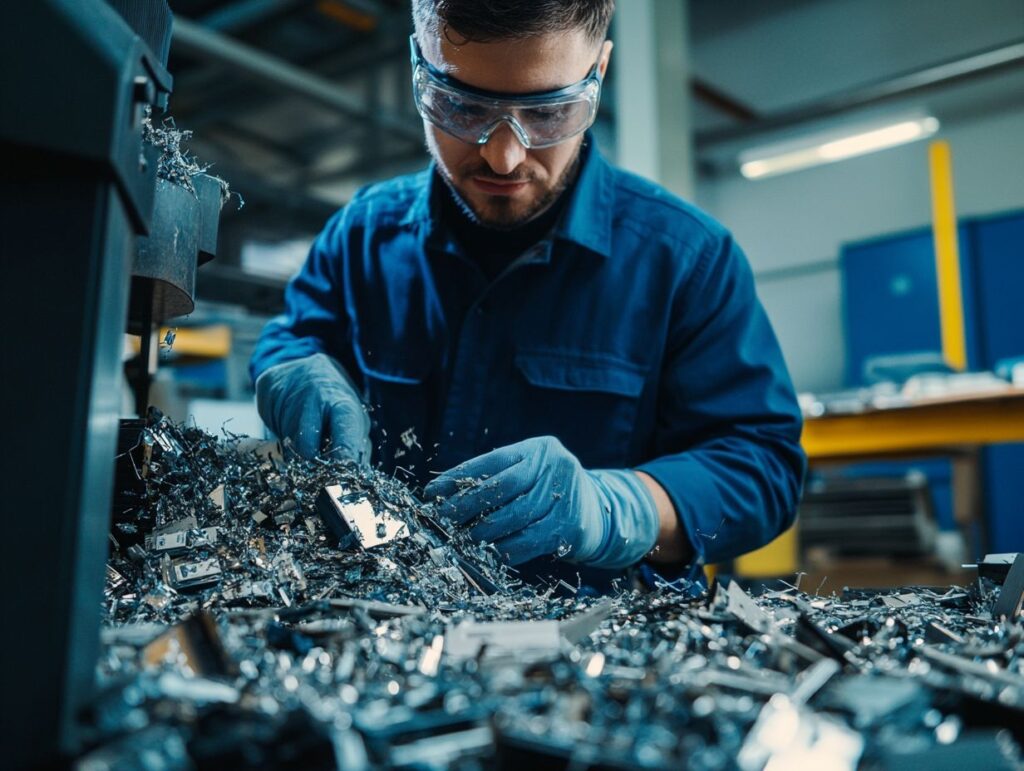
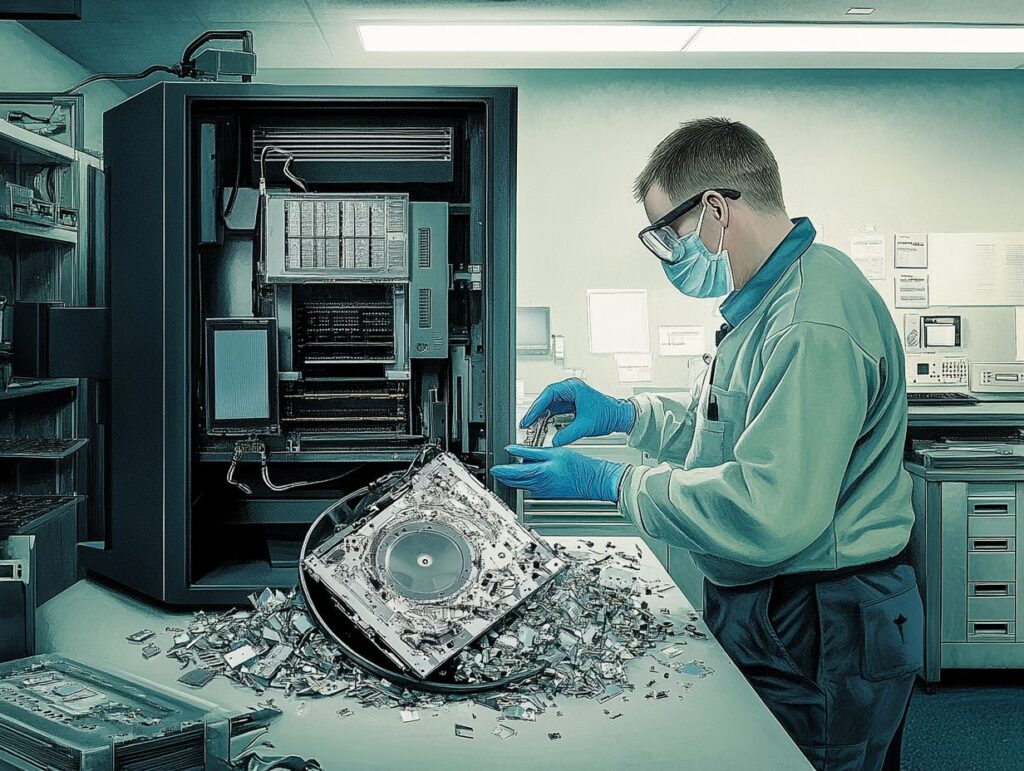
Hard drive shredding is a simple idea done with heavy-duty equipment. The drive goes into an industrial shredder that cuts through the metal casing, the circuit board and the storage platters or memory chips inside.
What comes out is a pile of small metal and plastic fragments. There is no working part left, so there is nothing that can be plugged in, repaired or read.
The Shredding Process and Equipment Used
At Total Shred, a typical home hard drive job looks like this:
- Book – choose on-site, off-site or drive-thru when you get in touch.
- Log – each drive is recorded, including its serial number where available.
- Secure – for off-site jobs, drives are sealed in tamper-proof containers and transported securely.
- Destroy – drives are shredded or crushed beyond recovery using specialist equipment.
- Certify – you receive a Certificate of Destruction by email listing the serial numbers of the drives destroyed. Photo or video evidence is available on request.
- Recycle – the shredded metal and plastic are sent for WEEE recycling.
We can destroy desktop and laptop hard drives (HDDs), solid state drives (SSDs), external hard drives, USB sticks, memory cards, mobile phones, CDs, DVDs and old backup tapes. SSDs and memory chips store data on very small chips, so they need to be broken into smaller pieces than a standard drive. A professional shredder is built to handle this.
Benefits of Using a Professional Shredding Service

You could try to destroy a hard drive yourself with a hammer or a drill, but it is harder than it looks. Drives are tough, the platters can shatter into sharp pieces, and a damaged drive can still hold readable data. Many people also simply do not know where the storage part sits in a modern laptop.
A professional service removes the guesswork. The drive is destroyed properly, safely and with proof, and the waste is recycled the right way.
Data Security and Compliance
The biggest benefit is certainty. With professional hard drive shredding, there is no chance your data can be recovered later.
You also get a paper trail. Your Certificate of Destruction shows what was destroyed and when, which is useful for your own records and essential if you ever kept other people’s data on your computer.
Total Shred is ISO 9001 and ISO 14001 certified, a member of the British Security Industry Association (BSIA) and holds Cyber Essentials. Our process follows BS EN 15713, so your drives are handled to the same standard we use for councils, NHS trusts and banks. You can see the full list on our accreditations page.
Convenience and Peace of Mind
You do not need to take your computer apart, find a recycling centre or worry about where your old drive ends up. We collect it, destroy it on your doorstep, or you can drop it off with us.
Prices for hard drive destruction start from as little as £5 per device, so it costs very little to know your personal data is gone for good.
If you are clearing out old paperwork at the same time, we can shred that too through our residential shredding service, so everything personal is dealt with in one visit.
Steps to Take Before and After Shredding
A little preparation before your drive is shredded makes sure you keep what you need and lose only what you want gone. After shredding, the remains need to be handled responsibly.
The checklists below cover both stages.
Preparing Your Hard Drive for Shredding
Before you hand over an old drive or device:
- Back up anything you want to keep – photos, documents and emails. Once the drive is shredded, there is no getting them back.
- Check you have copied your passwords – if your browser saves your logins, export them or move them to a password manager first.
- Sign out of your accounts – log out of email, cloud storage, banking apps and streaming services, and remove the device from your Apple, Google or Microsoft account.
- Remove two-step login codes – if the device receives security codes, set these up on your new device before you let the old one go.
- Gather everything – do not forget external drives, USB sticks, memory cards and old phones in drawers.
- Wiping is optional – you can wipe the drive first for extra reassurance, but it is not required. Shredding destroys the data either way.
Properly Disposing of Shredded Materials
Shredded hard drives still contain useful metals and materials, so they should never go in your household bin. Electronic waste must be disposed of under the WEEE (Waste Electrical and Electronic Equipment) rules.
When you use Total Shred, this is taken care of for you. All shredded material is sent for WEEE recycling, so the metals and plastics are recovered and kept out of landfill.
If you have other old electricals to get rid of that do not hold any data, Recycle Your Electricals can help you find your nearest recycling point. For whole computers, laptops and equipment, see our IT equipment disposal service.
Choosing the Right Hard Drive Shredding Service
Not every company that collects old computers destroys the data properly. Some resell drives, and some only wipe them. Choosing the right provider protects you from that risk.
Look for a company that is open about how it works, holds recognised accreditations, and gives you written proof every time.
Factors to Consider and Questions to Ask
Before you book, ask any provider these questions:
- Do you physically destroy the drive, or just wipe it? For complete peace of mind, choose physical destruction.
- Will I get a Certificate of Destruction? It should list the date and, ideally, the serial number of each drive.
- Can I watch the shredding? On-site or drive-thru shredding lets you see it happen.
- Which standards do you follow? In the UK, look for BS EN 15713 for secure destruction, plus accreditations such as ISO 9001, ISO 14001 and BSIA membership.
- How are drives kept secure before destruction? Look for vetted staff, sealed containers and a clear chain of custody.
- What happens to the shredded material? It should be recycled under WEEE rules, never sent to landfill or resold.
- What does it cost? Ask for a clear price per drive with no hidden collection fees.
Total Shred ticks every box. We offer hard drive destruction for homes and businesses across the UK, from our base in Stanmore. Get a free quote, call 0800 298 4009 or email shred@total-shred.com.
Frequently Asked Questions
What are residential hard drive shredding services?
Residential hard drive shredding services are professional services that securely destroy the data stored on your personal computer’s hard drive. This process ensures that your personal data cannot be retrieved or accessed by anyone.
Why is it important to protect my personal data?
Personal data includes sensitive information such as bank account numbers, social security numbers, and personal documents. If this information falls into the wrong hands, it can lead to identity theft and other forms of fraud. Therefore, it is essential to protect your personal data from potential threats.
How does the shredding process work?
During the shredding process, a professional company will use specialised equipment to physically destroy the hard drive, making it impossible to retrieve any data. The pieces are then recycled, ensuring that the information is permanently destroyed.
Who can benefit from residential hard drive shredding services?
Anyone who has a personal computer or laptop with sensitive information stored on its hard drive can benefit from these services. This includes individuals, families, and small businesses.
Can I trust a third-party company with my personal data?
Yes, it is crucial to choose a reputable and trustworthy company for your residential hard drive shredding services. Look for companies that have proper certifications and a track record of securely handling sensitive information.
What happens to the shredded hard drive?
After the hard drive is shredded, the pieces are typically recycled to reduce electronic waste. This ensures that not only is your personal data protected, but you are also contributing to a more sustainable environment.