

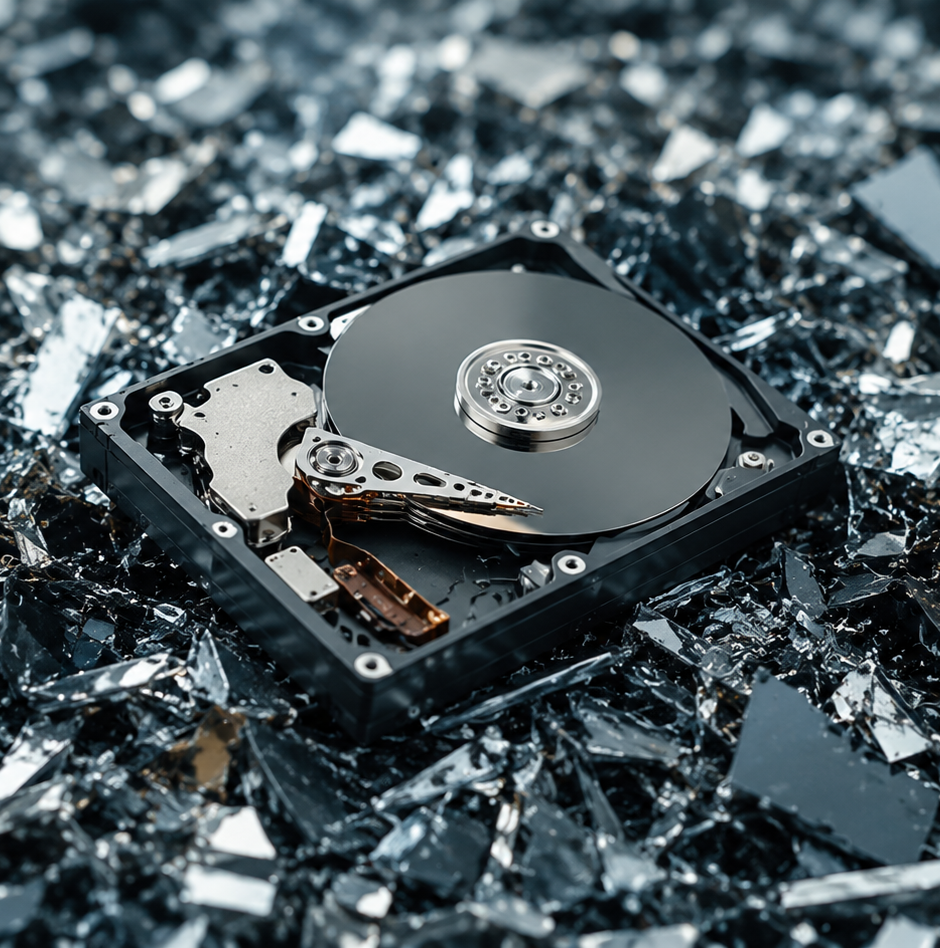
Secure hard drive disposal means destroying the data, recycling the hardware legally, and keeping proof of both. For business drives, the safest route is a certified hard disk shredding service that destroys each drive and gives you a certificate of destruction. Software wiping works for drives you plan to reuse, as long as you keep the report.
Most offices have a cupboard. Laptops from staff who left two years ago, a shoebox of drives pulled during a server upgrade, a few USB sticks nobody can identify. Everyone agrees it needs sorting. Nobody wants to be the person who puts it in a skip.
That hesitation is reasonable. Secure hard drive disposal is not one decision, it is three: what happens to the data, what happens to the hardware, and what proof you can show afterwards. Get the first two right and miss the third, and you still have a problem at your next audit.
This guide covers your options for hard drive disposal in the UK, when each one fits, and what a proper service should give you in return.
Why Deleting Files Is Not Disposal
Dragging files to the recycle bin removes the pointer, not the data. A standard format does much the same. The contents stay on the drive until something overwrites them, and free recovery tools can pull most of it back in an afternoon.
The National Cyber Security Centre calls the proper process sanitisation. Its guidance covers hard drives, solid state drives, memory chips, USB and SD cards, tape, and CDs and DVDs.
It is easy to forget photocopiers, printers and multifunction devices. Many have hard drives that store copies of everything they scan or print, and they get missed all the time.
Three Options for Secure Hard Drive Disposal
1. Overwriting (Secure Erasure)
Software writes patterns across every part of the drive so the original contents cannot be rebuilt. Done properly on a healthy mechanical drive, this works and leaves the drive usable. That matters if you want to reuse machines or sell them on.
The catch is proof. Erasure only counts if the software confirms every sector was wiped and you keep that report. A drive with bad sectors, a failing controller or a hidden area may not wipe fully, and you will not know unless the tool tells you. Any drive that fails the wipe should be shredded instead. Our guide to hard drive shredding vs wiping compares the two in more detail.
2. Degaussing
A degausser uses a strong magnetic field to scramble the surface of a mechanical drive. It is fast and it kills the drive for good. But it does nothing to a solid state drive, because there is no magnetic surface to scramble. It also leaves a drive that looks untouched, so an auditor has to take your word for it unless the machine logs each unit.
3. Hard Disk Shredding Service
An industrial shredder cuts each drive into small fragments. The platters, circuit board and casing all go through together, so there is no guesswork. You can see the result, and so can an auditor.
That is why most businesses choose shredding for anything holding payroll, client records or patient data. It also gives you the clearest audit trail. You can see how it works in our hard drive shredding process guide. Smashing drives by hand is not a safe shortcut, as our post on DIY hard drive destruction risks explains.
SSDs Need a Different Approach
Solid state drives do not behave like mechanical ones. They spread data across memory cells, keep spare space the computer cannot see, and may hold copies of data that a normal overwrite never reaches. Degaussing does not work on them at all.
That leaves two options: a manufacturer’s secure erase, which relies on trusting how it was built, or physical destruction. For SSDs, USB sticks and memory cards holding anything sensitive, shredding is the simple answer.
What UK Law Expects of You
Two sets of rules apply at the same time.
UK GDPR makes you responsible for personal data for as long as you hold it, including the moment it leaves your building. If a drive with customer records turns up on eBay, the ICO will ask what your disposal process was and how you checked your contractor followed it. “We paid someone to take it away” will not be enough. Our guide to GDPR and shredding certifications explains what proof to keep.
The WEEE Regulations cover the hardware itself. Electrical equipment cannot go to landfill or general waste, and you need a waste transfer note showing where it went and who handled it. Your duty of care does not stop at the collection van.
Both point the same way: use a licensed carrier, get the paperwork, and keep it.
What Hard Drive Recycling Actually Involves
Shredding is the start of hard drive recycling, not the end. Once the drives are in fragments, the materials are separated:
- Aluminium and steel from the casings and platters
- Copper from the wiring
- Circuit boards for precious metal recovery
- Rare earth magnets from the drive heads
Each material goes to a specialist processor. Done properly, almost nothing from a hard drive needs to reach landfill. Total Shred recycles 100% of the material from every job. For the bigger picture on old IT, read our guide to e-waste disposal and hard drive shredding.
How to Choose a Hard Drive Disposal Service
Check these five things before you book.
A Documented Chain of Custody
Every handover should be recorded, from your desk to the shredder. Look for sealed containers, tracked vehicles and named staff. This is the difference between a hard drive disposal service you can defend in an audit and one you cannot.
Recognised Standards
BS EN 15713 is the British Standard for secure destruction of confidential material. ISO 9001 shows the quality process is audited, and ISO 14001 covers environmental management. Total Shred works to all three.
A Certificate of Destruction
This is the document you show when someone asks whether a drive was destroyed. It should list the job, the date and the method used. For higher-risk media, ask for each serial number to be recorded.
On-Site or Off-Site Shredding
With on-site shredding, a shredding vehicle comes to your premises and destroys the drives while you watch, so they never leave your control. This is the best choice for highly sensitive data.
Off-site collection is usually cheaper and works well for large batches where you don’t need to watch. Both are safe. Choose based on how sensitive the data is and how much you need to prove.
Cover for More Than Hard Drives
A good service should also take USB sticks, CDs, DVDs, backup tapes, ID cards and mobile phones. Total Shred handles all of these alongside document shredding, so one collection does the lot.
Looking for Hard Drive Disposal Near Me?
Distance matters less than you might think. Many providers run regular collection routes, so a supplier further away may reach you sooner, and for less, than a local firm with one van.
Where location does matter is on-site shredding. If you want the vehicle in your car park while you watch, ask whether on-site visits cover your postcode and how soon they can come.
Your local household recycling centre will take a hard drive, but it will not destroy the data or give you any paperwork. That is fine for a personal device you have already wiped. It is not suitable for business data.
How Total Shred Handles Hard Drive Disposal
Total Shred provides on-site and off-site hard drive destruction for businesses across London and the South East, working to BS EN 15713, ISO 9001 and ISO 14001. Every job comes with a certificate of destruction for your records, and all material is recycled.
Clearing a server room, moving office, or finally emptying that cupboard? Tell us roughly how many drives you have and whether you need to watch them destroyed, and we will quote from there. If you are replacing whole laptops and PCs, our laptop and computer disposal guide covers the rest.
Get a quote or call 0800 298 4009.
Frequently Asked Questions
How do I dispose of a hard drive securely?
For business data, use a certified provider that shreds the drive and gives you a certificate of destruction. Wiping is fine for drives you will reuse, as long as you keep the report and shred any drive that fails.
Is wiping a hard drive enough, or does it need shredding?
Wiping is enough for low-risk data on a healthy mechanical drive you plan to reuse. Shredding is safer when the drive is being thrown away, holds sensitive data, or is an SSD.
How much does hard drive disposal cost?
It depends on how many drives you have, whether you need on-site or off-site shredding, and where you are. On-site costs more because a vehicle and operator come to you. Ask for a price per drive and any minimum charge.
Can I take a hard drive to my local recycling centre?
Most household recycling centres accept them as WEEE. They do not destroy the data or give you paperwork, so this only suits personal devices you have already wiped.
How does an industrial shredder destroy a hard drive?
The whole drive goes in intact. The shredder breaks the platters, circuit board and casing into fragments in one pass, leaving nothing that can be read.
Do I get proof that my drives were destroyed?
Yes. You get a certificate of destruction for every job. If you need each serial number recorded for an audit, ask when you book.
Do you shred SSDs, USB sticks and phones?
Yes. SSDs, USB sticks, CDs, DVDs, backup tapes and mobile phones can all be collected and shredded in the same job as your hard drives.
How do I find a hard drive disposal service near me?
Check the provider covers your postcode for collection and, if you need it, on-site shredding. Confirm their certifications and ask to see a sample certificate of destruction before you book.