

Every business stores private information, and much of it sits on hard drives. Employee records, client contracts, financial data and emails stay on old computers long after they are switched off. The risk doesn’t end when you stop using a device. It moves to how you get rid of it.
Old hard drives are one of the most overlooked types of confidential waste. In the UK, disposing of them safely is governed by UK GDPR and the Data Protection Act 2018. A drive that is recycled with readable data on it can lead to fines, a data breach and lost client trust.
This guide explains what confidential waste is, how to manage it and how to dispose of hard drives securely before they are recycled.
What is Confidential Waste?
Confidential waste is any paper or device that holds private or sensitive information and must be destroyed securely.
This can include:
- Staff records, payroll files and HR notes
- Client emails, contracts and correspondence
- Medical or legal records
- Business plans, pricing and financial forecasts
- Copies of passports, driving licences or proof of address
- Hard drives, SSDs, laptops, phones, USB sticks and external drives
Many businesses think only paper documents count. In reality, old hard drives often hold far more confidential data than any filing cabinet.
Deleting files or resetting a computer is not enough. The data stays on the drive and can often be recovered with free software. That is why shredding is the safest way to dispose of hard drives. Read about the risks of DIY hard drive destruction.
What to Do with Confidential Waste
Getting rid of old drives and documents safely takes more than a desk shredder. You need a clear process that tracks every item from the moment it is retired until it is destroyed.
These four steps cover what every business should do.

Identify Confidential Waste
Every team needs to know what counts as confidential. This applies to IT, HR, finance, sales and customer service alike.
Tips for identifying it:
- Record the type, make and serial number of every computer, laptop and storage device
- Remember printers and photocopiers, which often store copies of documents on an internal hard drive
- Ask staff: “Would it be a problem if this was leaked?”
- Only keep data you still need, and destroy the rest securely
This list becomes your audit trail, so you can check every device has been destroyed.
Document Shredding
Paper still makes up much of the confidential waste businesses produce, so shredding remains essential. But a desk shredder cannot destroy a hard drive, and drilling or hammering a drive leaves pieces that can still be read.
Professional providers working to BS EN 15713, the UK standard for the secure destruction of confidential material, can shred both paper and hard drives.
Options include:
- On-site shredding: a mobile shredder comes to your premises, and you can watch your paper and drives being destroyed
- Off-site shredding: items are collected in locked containers and destroyed at a secure facility
Both should include:
- Uniformed, security-vetted staff
- GPS-tracked vehicles
- A certificate of destruction that lists every drive’s serial number
If you are ever audited, this certificate is your proof that you disposed of data properly.
Secure Bins and Containers
Until paper and devices are destroyed, they must be stored safely. A box of old laptops in an open storeroom is a data breach waiting to happen.
What to look for:
- Lockable bins for paper, and locked cabinets or cages for devices
- Clear labels such as “Confidential Waste Only” or “Devices for Destruction”
- Strong, tamper-proof construction
- Bins placed where waste is created, such as near printers, HR, finance and the IT department
Book regular collections so bins don’t overflow and old devices don’t pile up.
Electronic Media Destruction
Electronic waste carries a bigger risk than paper. Deleting files or doing a factory reset does not remove the data.
Devices that need secure destruction include:
- Desktop and laptop hard drives and SSDs
- Servers and backup tapes
- Phones and tablets
- USB sticks and external hard drives
- CDs, DVDs and SD cards
- Printers and photocopiers, which store copies of documents
Use a provider that offers:
- Physical destruction by shredding, the safest method for every type of drive
- Certified data wiping, if you want to reuse a device
- Degaussing for magnetic hard drives and tapes, which does not work on SSDs. Read is degaussing enough?
- WEEE-compliant recycling after the data is destroyed
- A certificate listing each serial number, the date and the method used
The NCSC’s guidance on secure sanitisation of storage media explains each method. Shredding a hard drive costs far less than dealing with a data breach.
Why is Confidential Waste Disposal Important?
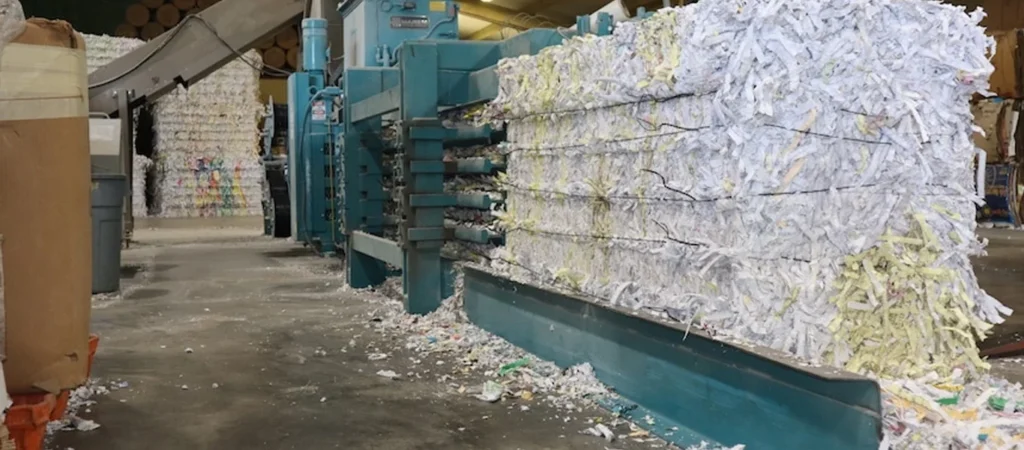
Getting rid of confidential waste properly affects your security, your legal duties, your reputation and the environment. Getting it wrong can cause serious problems.
Protecting Sensitive Information
The biggest risk is a data breach. Data recovered from an old drive or a thrown-away document can be misused. For example:
- Personal data can be used for identity theft or fraud
- Business information can be leaked to competitors
- Lost client data can lead to claims of negligence or breach of contract
Secure disposal removes these risks by making sure the data can never be recovered.
Legal and Regulatory Compliance
In the UK, several rules apply to confidential waste:
- UK GDPR and the Data Protection Act 2018 require you to keep personal data secure, including when you dispose of it. See the ICO’s guide to data security
- The Freedom of Information Act 2000 adds extra duties for public sector bodies
- BS EN 15713 sets the standard for the secure destruction of confidential material
- The WEEE Regulations require old electronics, including hard drives, to go to a licensed recycler
Breaking these rules can lead to fines from the Information Commissioner’s Office (ICO), especially after a breach or complaint.
Avoid Corporate Espionage
Desk shredders are built for small amounts of paper, not hard drives. Whether you clear out old IT occasionally or every month, use a service that is both secure and fully traceable.
One-Time Shredding
One-off shredding is ideal for:
- Office moves or refurbishments
- IT upgrades and laptop refreshes
- Archive and server room clear-outs
- Staff leaving or teams closing
With this service, a licensed provider will:
- Collect your paper and drives in locked containers, or destroy them on-site
- Transport them securely in tracked vehicles
- Provide a certificate of destruction, including drive serial numbers
This is a cost-effective option if you only clear out paperwork or IT equipment now and then.
Regular Collection Services
If your business produces confidential waste every week, or replaces IT equipment often, regular collections are safer and easier to manage.
Features typically include:
- Lockable bins and device containers on your premises
- Regular collections, such as weekly, fortnightly or monthly
- A secure chain of custody from collection to destruction
- Full reporting for your compliance records
This keeps you compliant all year and takes the job off your team’s hands.
For larger volumes of IT equipment, a full IT equipment disposal service handles collection, destruction and recycling in one go.
How to Get Rid of Confidential Waste
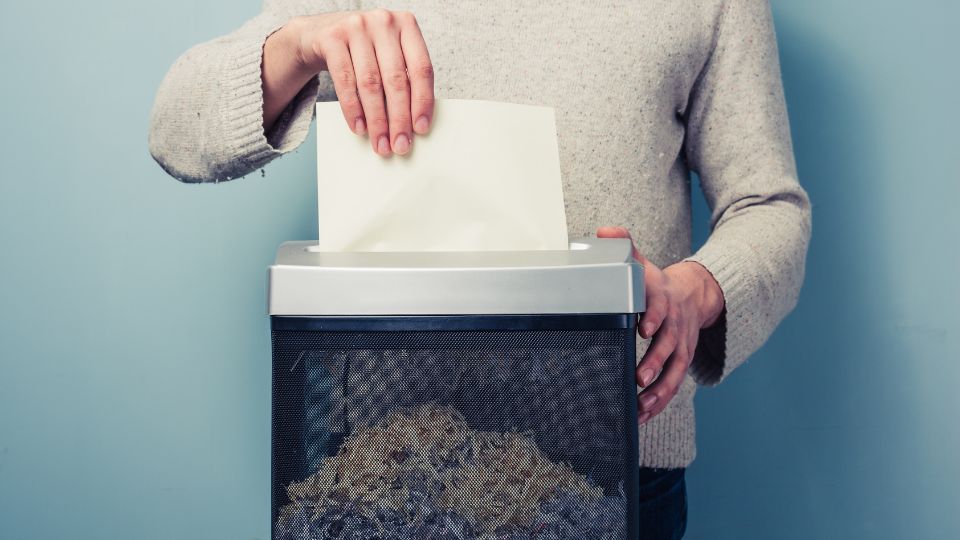
Desk shredders are built for paper, not hard drives. Whether you retire a few laptops a year or clear out a whole server room, use a service that is both secure and fully traceable.
One-Off Hard Drive Shredding
One-off shredding is ideal for:
- Office moves or refurbishments
- IT upgrades and laptop refreshes
- Server room or data centre clear-outs
- Staff leaving or teams closing
With this service, a licensed provider will:
- Collect your drives in locked containers, or shred them on-site
- Transport them securely in tracked vehicles
- Provide a certificate of destruction listing every serial number
This is a cost-effective option for businesses that only retire equipment occasionally.
Regular Collection Services
If your business replaces IT equipment often, regular collections are safer and easier to manage.
Features typically include:
- Locked containers for old devices on your premises
- Regular collections, such as monthly or quarterly
- A secure chain of custody from collection to destruction
- Full reporting for your compliance records
This keeps you compliant all year and removes the job from your IT team.
For larger volumes, a full IT equipment disposal service handles collection, destruction and recycling in one go. See also our guide to choosing a hard drive shredding company.
Can You Put Confidential Waste in the Recycling Bin?
No. Doing so could count as a data breach, and putting hard drives in the bin also breaks UK waste rules.
Recycling bins are:
- Open to anyone
- Not monitored
- Handled by third parties who are not vetted for data security
Even a drive that looks broken can still hold readable data. Instead:
- Shred all confidential paper and hard drives first
- Use a provider that recycles the shredded material legally
- Never put electronic devices in general recycling, and use a WEEE-compliant provider only
In short, confidential waste should only be recycled after it has been securely destroyed. Related post: Computer and Laptop Recycling UK: Step by Step Guide
Conclusion
Confidential waste is part of running any business, and old hard drives are one of its biggest sources. How you deal with them shows how seriously you take data protection.
Whether you’re getting rid of old client files, retiring staff laptops or clearing out a server room, secure destruction comes first. It protects your data, your business and your legal standing under UK GDPR.
A clear, recorded process for finding, storing and destroying confidential waste is now expected of every UK business. Using a professional hard drive destruction service in London means your drives and documents are destroyed to the highest standards and recycled legally.
Get a quote or call 0800 298 4009.
FAQs for How to Get Rid of Confidential Waste
Can I shred confidential waste myself?
Yes, but only if you’re using a secure cross-cut shredder and handling the waste responsibly afterwards. For larger volumes, professional shredding is safer and ensures compliance.
Is it illegal to throw confidential documents in general waste?
While not illegal per se, doing so may lead to a breach of UK GDPR if personal data is compromised, which can result in enforcement or fines.
What happens after shredding?
Professional providers typically recycle shredded paper and dispose of digital media through WEEE-compliant channels. Always request confirmation.
What’s the minimum I should keep for compliance?
Every business should retain disposal certificates, destruction logs, and staff training records related to data handling and destruction for audit purposes.
How often should I schedule shredding?
That depends on your volume. For most offices, weekly or fortnightly collections are sufficient. Higher-risk sectors may require more frequent service.