

Introduction
Computer and laptop recycling is the process of collecting old IT equipment, destroying the data on it, and recovering its parts and materials so nothing goes to landfill. For UK businesses, it is about more than the environment. You must stay within waste law, protect the personal data on every drive, and keep paperwork that proves you did both.
What Is Computer Recycling?
It covers desktops, laptops, servers and monitors that your business no longer uses. Working machines are refurbished and reused. Faulty or outdated ones are dismantled so their metals, plastics and glass can go back into manufacturing.
Under the WEEE Regulations, this equipment is classed as waste electrical and electronic equipment. That means it cannot go in general waste or a skip and must be passed to a licensed handler.
Why computer recycling matters for your business
- Legal duty. Under the waste Duty of Care, your business is responsible for its waste until a licensed carrier takes it. If equipment is fly-tipped, the fine can come back to you.
- Data protection. Old drives still hold client records, emails and saved passwords. Under UK GDPR, a lost or resold drive with readable data counts as a data breach. The ICO’s guide to data security explains what businesses are expected to do.
- Proof. If an auditor or client asks how you disposed of old IT, you need documents to show them.
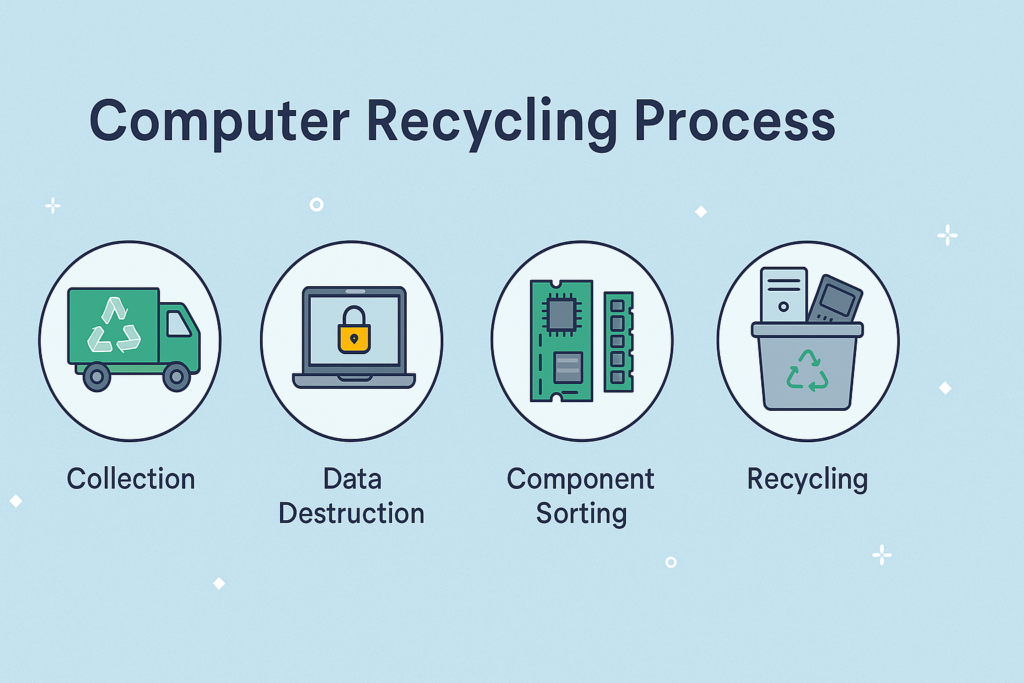
Step-by-Step Computer Recycling Process
Step 1: Create an asset list
Record the type, make and serial number of every item before collection. This list becomes your audit trail, and you will check it against the recycler’s paperwork at the end.
Step 2: Book a licensed collection
Choose a provider with a valid waste carrier licence, and ask for a copy before booking. Equipment should travel in a locked, tracked vehicle from your premises to the processing facility. Our IT equipment disposal service covers London and the South East.
Step 3: Data wiping and hard drive disposal
This is the most important step. Every hard drive and SSD must be dealt with before any equipment is reused or dismantled. Drives that held sensitive or financial data should be shredded, as explained in the challenges section below.
Step 4: Sort for reuse or recycling
Each machine is tested. Working units are refurbished for resale or donation, while faulty or outdated units go on to be dismantled.
Step 5: Component recovery and PC recycling
During PC recycling, machines are broken down into copper, aluminium, gold, plastics and glass, and each material is sent to specialist processors. Batteries and other hazardous parts are separated and treated under strict controls.
Step 6: Receive your documentation
A reputable recycler sends written proof of what happened to every item. Check each serial number against your asset list from Step 1.
Related Post:- How to Dispose of Hard Drives Securely Before Recycling
Benefits of Computer Recycling
Environmental Protection
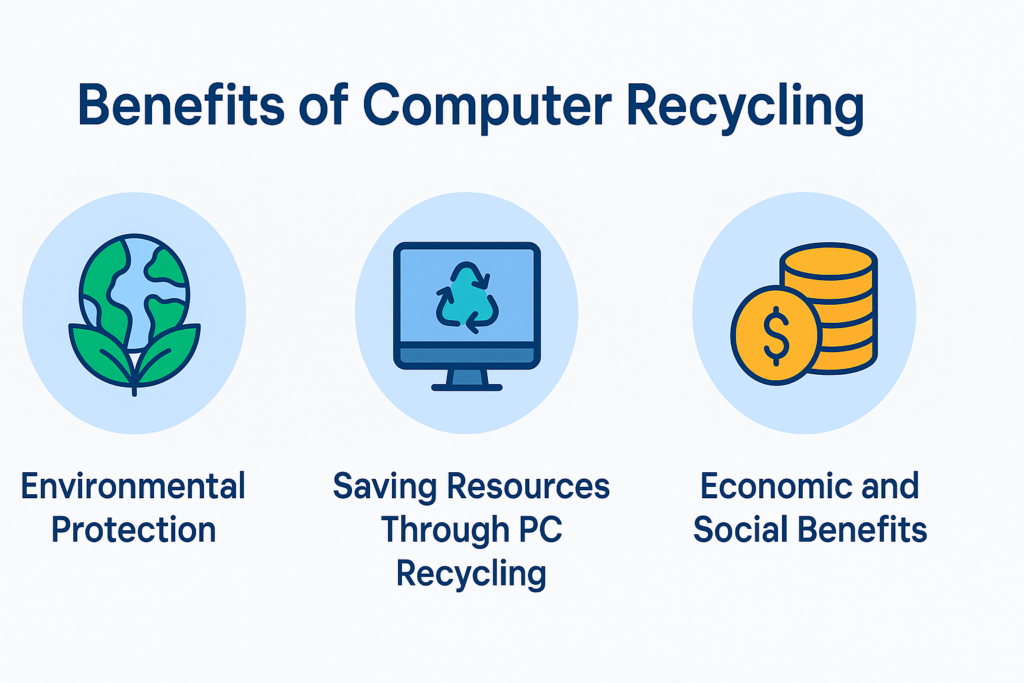
Computers contain lead, mercury and cadmium, which can leak into soil and water from landfill. Certified recycling keeps these substances under control and makes sure each part is handled safely.
Saving Resources Through PC Recycling
PC recycling recovers copper, aluminium and small amounts of gold, which reduces the need for new mining. It also takes far less energy to reuse these metals than to produce them from scratch.
Economic and Social Benefits
Refurbished laptops and desktops give schools, charities and small businesses affordable technology. For your business, recycling supports CSR and ESG goals and helps you avoid fines for poor waste or data handling. Read more in our guide to electronic waste disposal and recycling.
Challenges in the Computer Recycling Process
Data Security and Hard Drive Disposal
There are two safe ways to deal with a drive:
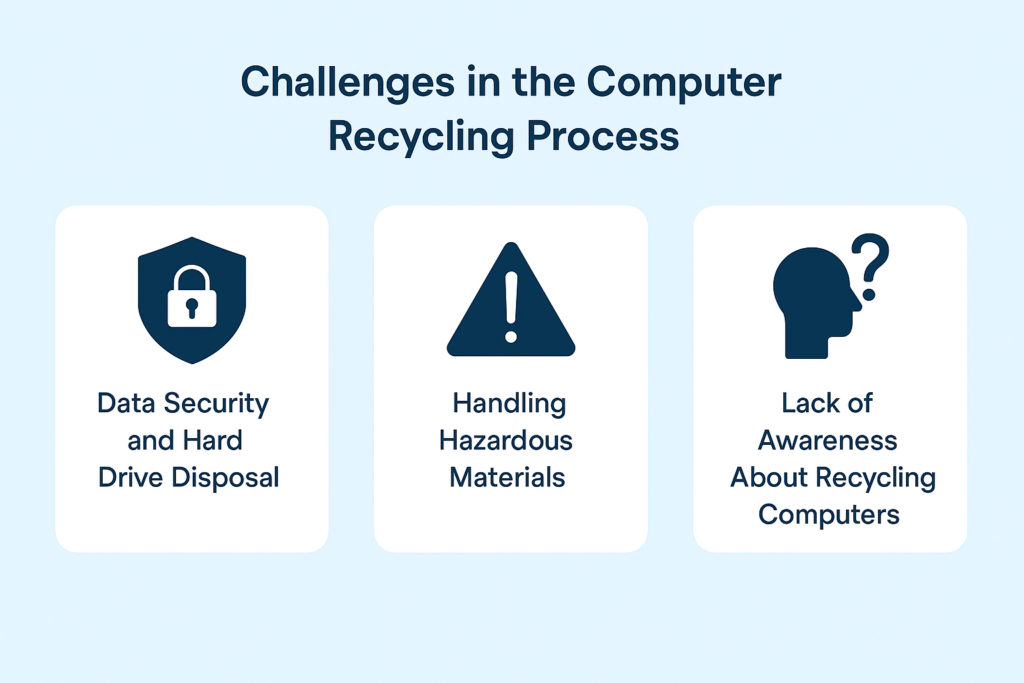
- Data wiping uses certified software to overwrite the whole drive to a recognised standard such as NIST 800-88. The drive can be reused, and you receive an erasure report.
- Physical shredding cuts the drive into small fragments, so the data can never be recovered. You receive a certificate of destruction.
For drives that held personal or financial data, shredding is the safer form of hard drive disposal. See our hard drive destruction service for details. Degaussing does not work on SSDs, which most modern laptops use. Read more in Is Degaussing Enough for Secure Hard Drive Disposal?
Handling Hazardous Materials
Laptop recycling in the UK needs two extra precautions. Lithium-ion batteries are removed first, because a damaged battery can catch fire during processing. Many laptops also have SSDs soldered to the motherboard, so physical shredding is often the only reliable way to destroy the data.
Items such as old CRT monitors and some batteries count as hazardous waste and need a consignment note when they are collected.
Lack of Awareness About Recycling Computers
Many businesses still make the same avoidable mistakes:
- Assuming deleted files are gone. Deleted files can be recovered with free software.
- Smashing drives by hand. Large fragments can still be read. See the risks of DIY hard drive destruction.
- Donating or reselling kit without certified wiping. Your data leaves the building with the device.
- Using an unlicensed collector. If your equipment is dumped, the liability stays with you.
WEEE recycling for business: the paperwork to keep
If an auditor, a client or the ICO asks how you disposed of old IT, these documents are your evidence:
- Waste transfer note. Shows who collected the waste and where it went. Keep it for at least 2 years.
- Hazardous waste consignment note. Required for items such as CRT monitors and some batteries. Keep it for at least 3 years.
- Certificate of destruction. Lists drive serial numbers, the date and the destruction method. Keep it in line with your data retention policy.
- WEEE recycling report. Shows the weight reused, recycled and recovered, which supports CSR and ESG reporting.
If a recycler cannot supply these documents, use a different provider. Learn more about GDPR and shredding certifications.
Need old IT collected?
Total Shred collects computers, laptops and servers from businesses across London and the South East. We destroy every drive securely and issue full documentation.
Get a quote or call 0800 298 4009.
FAQ
No. Computers and laptops are classed as WEEE in the UK. They must go to a licensed recycler, and you should keep the waste transfer note as proof.
No. Deleted files can be recovered with free tools. The drive must be wiped with certified software or physically shredded, and you should receive a certificate as proof.
At a minimum, you should receive a waste transfer note and a certificate of destruction that lists the drive serial numbers. Hazardous items such as CRT monitors also need a consignment note.
Cost depends on the number of items and whether you need drives shredded on site. Contact Total Shred for a quote based on your asset list.
Computer recycling prevents hazardous substances like lead, cadmium, and mercury from entering the environment. It reduces pollution of soil and water and lowers greenhouse gas emissions by minimizing the need for manufacturing new materials. Recycling also conserves natural resources by recovering metals and plastics from old devices. Additionally, refurbishing computers extends their lifespan, reducing demand for new production. These steps make computer recycling a critical part of promoting sustainability and environmental protection.
Computer disposal usually refers to throwing devices into general waste, which often ends up in landfills. This method is unsafe because it pollutes the environment and leaves data vulnerable. In contrast, computer recycling is a structured process that dismantles, recovers, and reuses valuable components while ensuring secure hard drive disposal. Recycling is sustainable and safer for the environment, while disposal is often harmful. Choosing recycling means protecting both the planet and your personal data.
Yes, hard drives can be recycled separately, but they must go through secure hard drive disposal first. This includes data wiping or physical destruction to ensure no information remains accessible. After data removal, materials like aluminum, steel, and circuit boards inside the hard drive are recovered for reuse. Certified recycling centers handle this process safely, reducing environmental impact and ensuring compliance with data protection laws. This makes hard drive recycling both safe and eco-friendly.
Computer recycling supports the circular economy by ensuring old devices and materials are reused instead of wasted. Valuable resources like copper, aluminum, and plastics are recovered and fed back into production cycles, reducing the need for raw materials. Refurbished computers extend product lifespans, while secure hard drive disposal ensures safe reuse. This closed-loop system minimizes environmental impact, lowers energy use, and makes technology more sustainable. Recycling transforms waste into resources, powering a greener economy.