

Every organisation has a cupboard. Laptops from staff who left, a server replaced two refreshes ago, a stack of monitors, phones nobody wanted to deal with.
IT recycling is usually treated as a clearing-out job, something to book when the space is needed. The hardware side is straightforward. Two things make it more complicated than it looks: that equipment still holds sensitive information long after it stopped being useful, and how it leaves your building determines its environmental impacts.
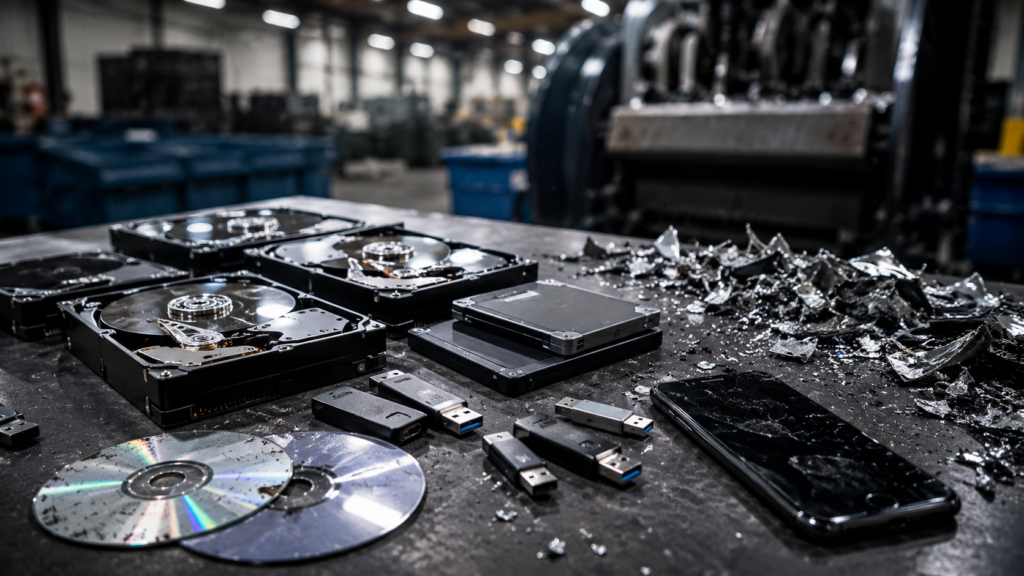
Why Disposal Of IT Equipment Is A Data Security Problem First
A retired laptop is not a piece of scrap. It is a storage device with a case around it.
Deleting files does not remove them. A file system removes the pointer, not the content, and the data stays readable until something overwrites it. Wipe the machine, reset it to factory settings, and specialist recovery tools can still pull information off the drive.
The same applies to equipment people forget contains storage. Multifunction printers keep scanned documents on internal drives. Networking hardware holds configuration and credentials. Phones and tablets retain far more than a factory reset suggests.
Under UK GDPR you are responsible for that data until it is genuinely gone, and you need to be able to demonstrate that it is. Handing a pallet of kit to whoever quoted cheapest does not discharge the obligation. Data security does not end when the asset comes off your register.
What WEEE requires
The Waste Electrical and Electronic Equipment regulations govern how IT equipment leaves your business. In practice that means three things.
It cannot go in general waste. Electronic equipment contains materials that require controlled treatment, and landfill is not a lawful route for it.
It must go to a licensed carrier and an authorised treatment facility. Ask for the waste carrier licence number. A legitimate operator will give it without being chased.
You need documentation. Waste transfer notes evidence lawful disposal. Combined with a certificate of data destruction, that is the paper trail that holds up under scrutiny.
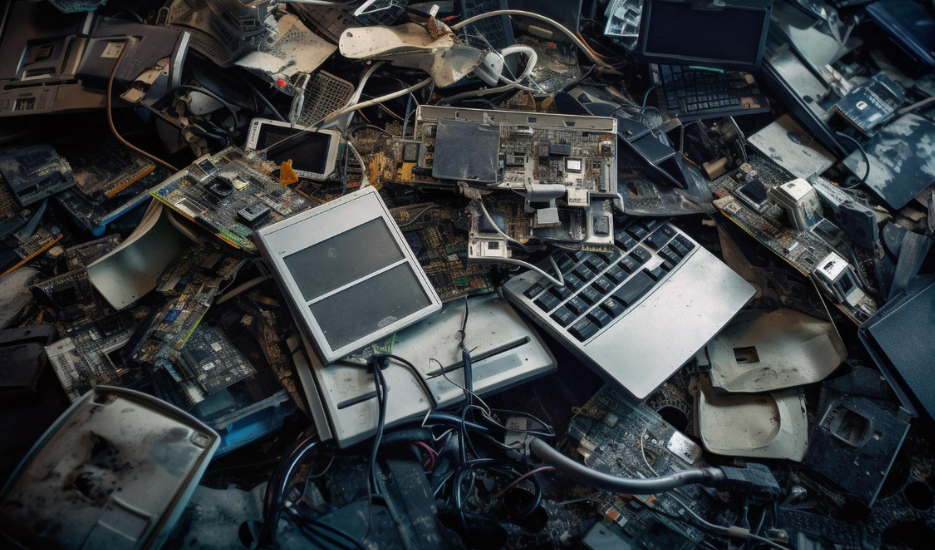
The Environmental Impacts Of How You Dispose Of IT Equipment
Electronic waste is one of the fastest growing waste streams in the UK, and IT equipment is a significant part of it.
The environmental impacts split into two problems. The first is what happens if equipment is treated badly: circuit boards, batteries and display components contain substances that cause harm when they reach landfill or are processed without proper controls.
The second is what gets lost. A laptop contains recoverable copper, aluminium, steel and small quantities of precious metals. Extracting those from ore carries a far higher carbon cost than recovering them from a machine that already exists. When equipment is shredded into mixed waste rather than separated into material streams, that value disappears.
Refurbishment sits above recycling in every environmental hierarchy. A machine that goes back into use for another three years avoids the manufacturing footprint of a replacement entirely, and manufacturing accounts for the majority of a laptop’s lifetime. That is why the refurbishment rate is worth asking about, not just the recycling rate.
Secure IT disposal, step by step
At Total Shred, the process runs like this:
- Audit. Every asset is logged by serial number before it moves.
- Collection. Locked containers, tracked chain of custody, licensed carrier.
- Data destruction. Drives either wiped to a certified standard or physically shredded, depending on the security level you need.
- Certification. Certificate of destruction issued against the logged serials, plus waste transfer documentation.
- Refurbishment or recycling. Equipment with remaining life is refurbished. The rest is separated into material streams for recovery.
The serial-level audit is the part that gets skipped elsewhere and the part that matters most. Without it you cannot prove which specific machines were processed, only that some equipment went somewhere.
The process of laptop recycling
Laptops are the highest volume item in most business disposals and the highest risk.
The drive comes out first. Depending on your policy it is either wiped to a recognised standard with a verification report, or shredded outright. Total Shred recommends shredding as the default for anything that holds customer, financial or health data, since a wipe that fails silently leaves you exposed and a shredded drive does not.
Once the drive is dealt with, the chassis goes down a different route. Working machines are refurbished, given a fresh build and resold or donated. Non-working units are stripped for components and materials.
That split matters commercially as well as environmentally. A refurbishment route can return value against your disposal cost rather than just consuming the budget.
National IT disposal and multi-site collection
Businesses with several sites tend to end up with several arrangements, which is how inconsistency creeps in. One office uses a local firm, another lets the IT supplier take equipment away, a third has a cupboard.
Total Shred operates national IT disposal across the UK, so every location runs the same audit standard, the same documentation and one consolidated certificate set. For anyone responsible for compliance across multiple offices, that consistency is worth more than a small saving on a single collection.
Consolidated collections also cut transport emissions compared with each site arranging its own.
Choosing an IT recycling company
Most IT recycling companies will tell you they are secure. These five questions separate them:
- Do you provide a certificate of destruction listing individual serial numbers?
- What is your waste carrier licence number, and which authorised treatment facility do you use?
- Is data destruction handled in-house or subcontracted?
- What proportion of collected equipment is refurbished rather than recycled?
- Can you provide reporting on diversion from landfill?
The third question is the revealing one. Plenty of firms that present as data shredding companies subcontract the actual destruction, which extends your chain of custody to a party you never assessed. Ask who physically handles the drives, and put the same question to Total Shred when you call.
Building it into your asset lifecycle
Disposal works best as a scheduled process rather than a reaction to a full cupboard.
Decide the trigger: end of lease, hardware refresh, staff exit, or a fixed retention period. Assign ownership of the asset register to a named person. Book collections on a cycle rather than waiting.
There is a security argument for this too. Equipment sitting in a storeroom for two years is equipment holding sensitive information in a room with a door that is probably unlocked. The longer it waits, the more likely something goes missing and nobody notices, because nothing was logged in the first place.
The cupboard exists because nobody owns the decision to empty it. Fix that and both problems mostly solve themselves.
Frequently asked questions
What is IT recycling?
IT recycling is the controlled disposal of redundant computer equipment. A compliant process combines certified data destruction with WEEE-compliant treatment, so sensitive information is removed and materials are recovered lawfully. It is not the same as taking equipment to a scrap merchant.
Is deleting files enough before disposing of IT equipment?
No. Deleting or resetting a device removes the index reference rather than the data. Information stays recoverable until it is overwritten to a certified standard or the drive is physically destroyed. Recovery software exists precisely because deletion leaves the content in place.
What documentation does Total Shred provide?
A certificate of data destruction listing individual serial numbers, plus waste transfer notes evidencing lawful disposal. Together these form the audit trail required under UK GDPR and WEEE regulations. A certificate without serial numbers proves very little.
Can old laptops and servers be refurbished instead of destroyed?
Yes, where the equipment has remaining life. The drive is removed and destroyed or wiped to a certified standard first, then the chassis is refurbished and resold or donated. This can offset your disposal cost rather than adding to it.
Does Total Shred collect from multiple sites?
Yes. National IT disposal covers collections from multiple UK locations under one contract, applying the same audit standard and documentation everywhere rather than using different local suppliers per office.
Which IT equipment stores sensitive information?
More than most people expect. Laptops, desktops and servers are obvious. Multifunction printers store scanned documents on internal drives, networking hardware holds configuration and credentials, and phones and tablets retain data after a factory reset.
How much does IT recycling cost?
Pricing depends on volume, equipment type, collection location and whether you need on-site data destruction. Some disposals cost nothing or return value where enough equipment has resale life. Total Shred quotes against an actual inventory rather than a flat per-item rate.
How long does the process take?
Collection is usually arranged within a few working days. Processing and certification follow depending on volume. Confirm the expected turnaround on your certificate when you book, since that is the document you need for your records.
What happens if IT equipment is not disposed of properly?
Two exposures. Under UK GDPR, unrecovered data on disposed equipment is a reportable breach, with fines and notification obligations attached. Under WEEE regulations, sending electronic equipment to landfill or using an unlicensed carrier is a separate compliance failure. The organisation that produced the waste remains responsible for it.
What to do next
Walk the storeroom and count what is actually there. Include the equipment in desk drawers and the boxes from the last office move.
Note serial numbers where you can, since Total Shred will need them for the audit anyway.
Then get a quote for secure IT disposal based on that inventory. The cost of proper disposal is a fraction of what a single breach notification costs, and the documentation is worth having before someone asks for it rather than after.