
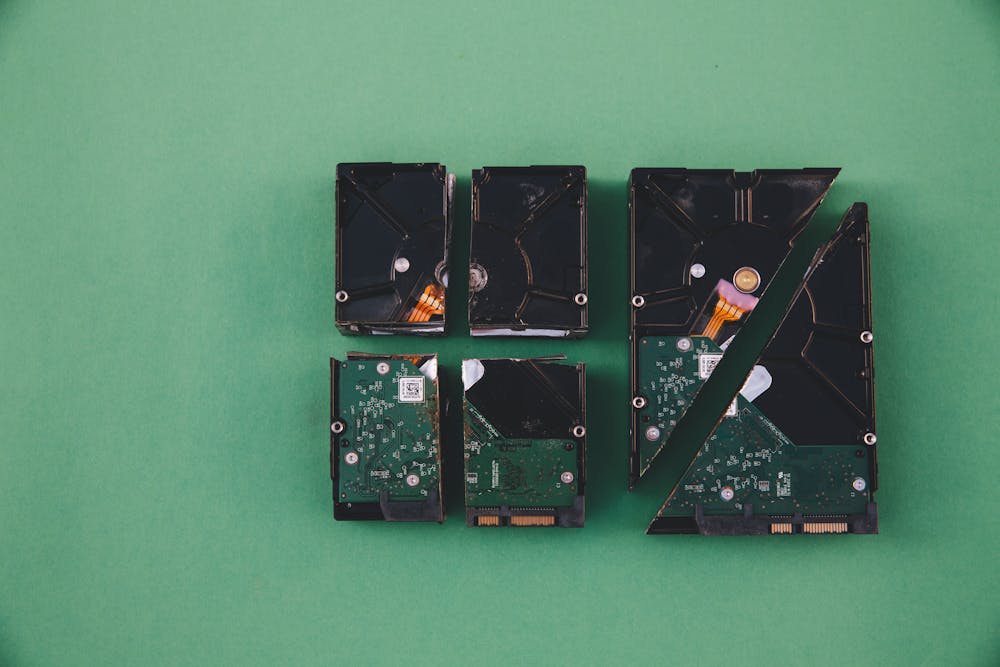

Old hard drives keep their data long after you stop using them. Deleting files or formatting a drive only hides the data. Anyone with free recovery software can often bring it back.
The hard drive shredding process fixes that for good. Each drive is logged, moved securely, shredded into small fragments, and backed by a certificate of destruction. This guide walks through each step, explains what UK law expects, and shows how shredding compares with other methods.
If you just want to get rid of one or two drives, read our guide on how to destroy a hard drive. For the wider case for shredding, see why shredding hard drives matters.
Why Hard Drive Shredding Matters for UK Businesses
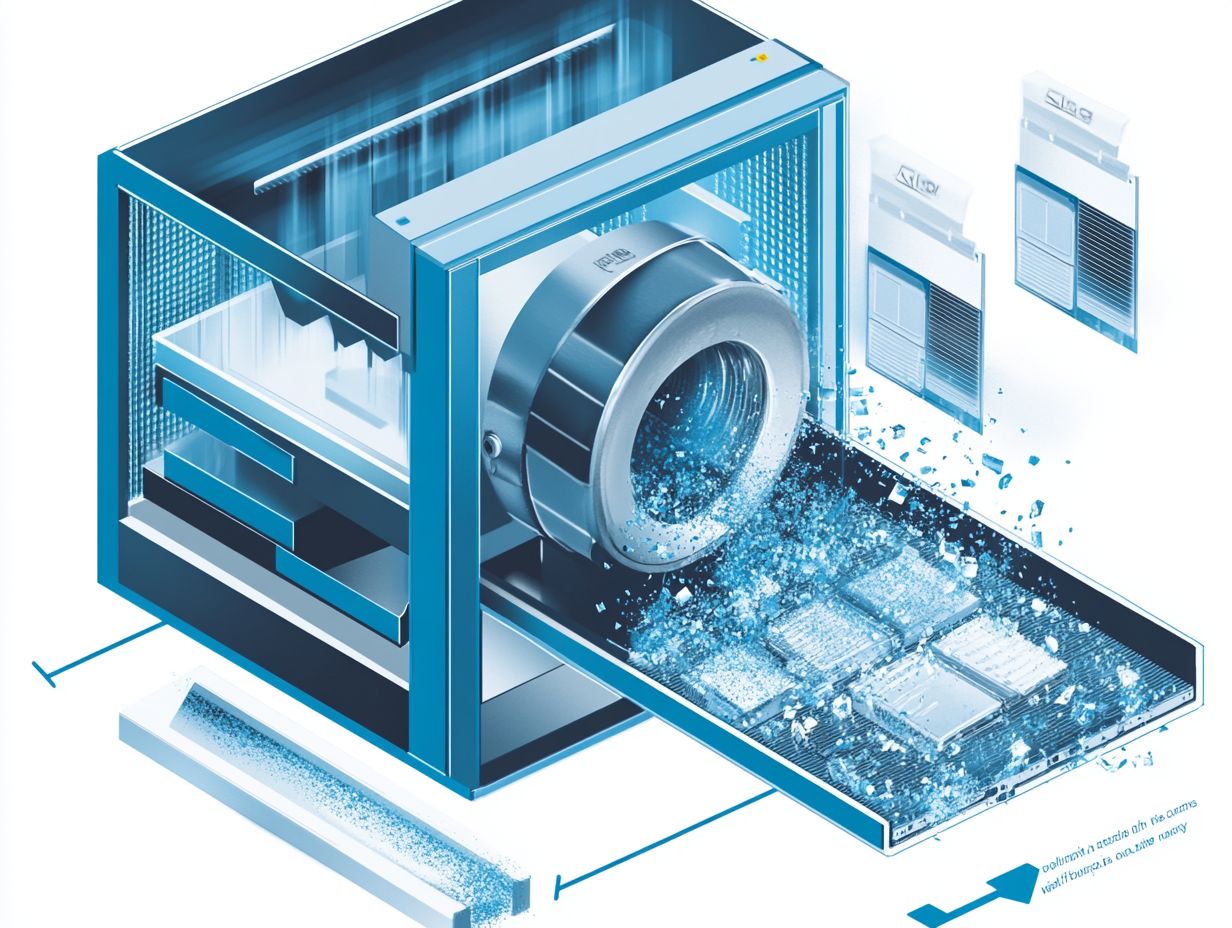
Every laptop, PC, server and external drive your business retires still holds data. That includes customer records, staff files, invoices, emails and passwords. If the drive ends up in a skip, on a resale site or in the wrong hands, the data goes with it.
Deleting a file removes the label, not the data. Formatting works the same way. Data wiping software is better, but it only works on drives that still power on, and it can miss hidden or damaged areas. Our comparison of hard drive shredding vs wiping explains when each one makes sense.
Shredding is the only method that leaves nothing to recover. Once shredded, the drive no longer exists as a working device, so there is no data left to read.
Why Proper Disposal Is Necessary Under UK Law
Under UK GDPR, you must keep personal data secure until it is fully destroyed. The ICO calls this the security principle. Its guide to data security says your security measures must match the risk. A lost or resold hard drive full of customer data is exactly the kind of risk it means.
There is also the environmental side. Hard drives count as electrical waste, so their disposal falls under the WEEE Regulations. A good shredding provider handles both the data and the recycling.
Our guide to GDPR shredding requirements and certificates covers the paperwork in more detail.
What Is the Step-by-Step Hard Drive Shredding Process?
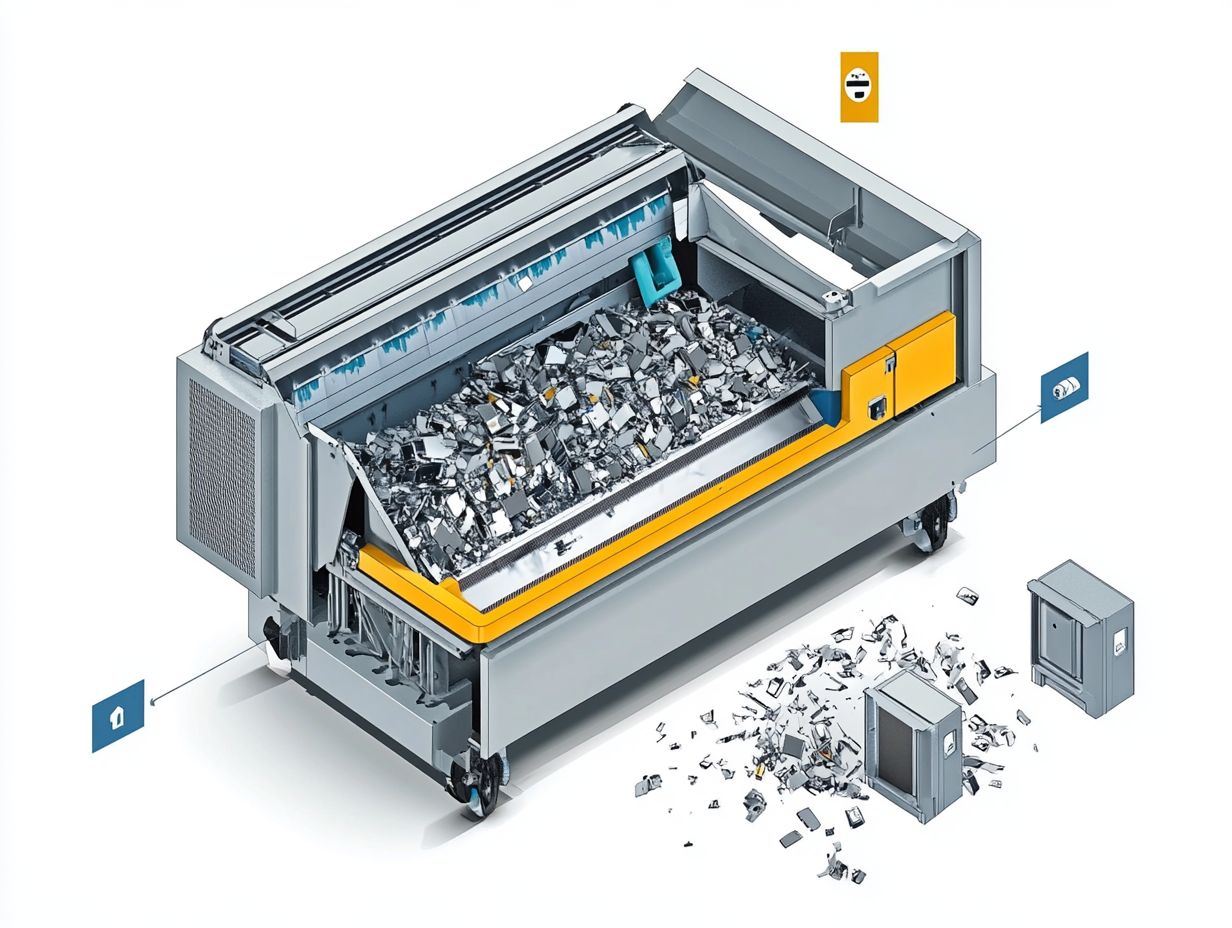
A professional hard drive shredding process runs in four clear stages. It starts with your first call and ends with a certificate of destruction.
Each stage is designed so that no drive goes missing and no data can be recovered. Total Shred follows these steps for every job, large or small.
Booking and Choosing On-Site or Off-Site Shredding
First, you choose where the shredding happens.
On-site shredding: a mobile shredding unit comes to your premises. You can watch your drives being destroyed, so they never leave your sight.
Off-site shredding: drives are collected in sealed, tamper-proof containers and taken to a secure shredding facility. A clear chain of custody records who handled them and when.
On-site suits businesses with very sensitive data or strict internal rules. Off-site is often simpler for larger volumes.
2.Preparing and Logging Each Hard Drive
Preparing the hard drive starts with a quick check of what you are handing over. Each drive is counted and its serial number recorded. That record is your proof later that every drive was accounted for.
Make sure any data you still need is backed up elsewhere. If you plan to keep or resell laptops and PCs, remove the drives first.
Hard disk drives (HDDs), solid state drives (SSDs), USB sticks and backup tapes can all be handled together in one batch.
3.Shredding the Hard Drives
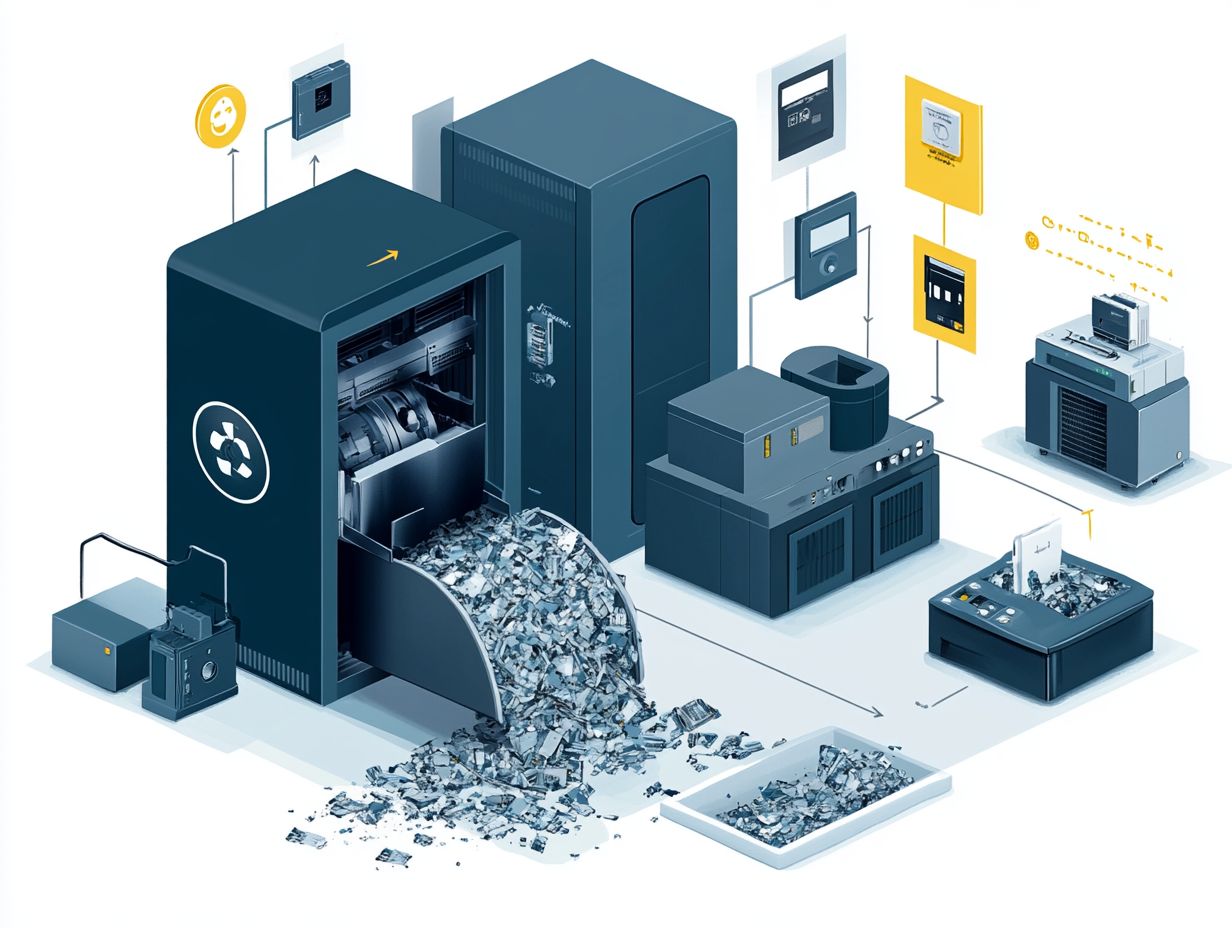
The drives go into an industrial shredder built for hard metal casings. It tears spinning platters, circuit boards and SSD memory chips into small fragments.
Nothing left can be put back together or read. This is what makes shredding safer than software methods, which depend on the drive working properly.
Our trucks are fitted with cameras that record the full shredding process. Photo or video evidence is available on request.
4.Certificate of Destruction and Recycling
Once shredding is complete, you receive a certificate of destruction listing the serial number of every drive. Keep it on file. If the ICO, an auditor or a client ever asks how you disposed of old data, this certificate is your answer.
The shredded metal and plastic are then separated and recycled under the WEEE Regulations. Your old drives end up as raw material instead of landfill.
Alternative Methods for Hard Drive Disposal
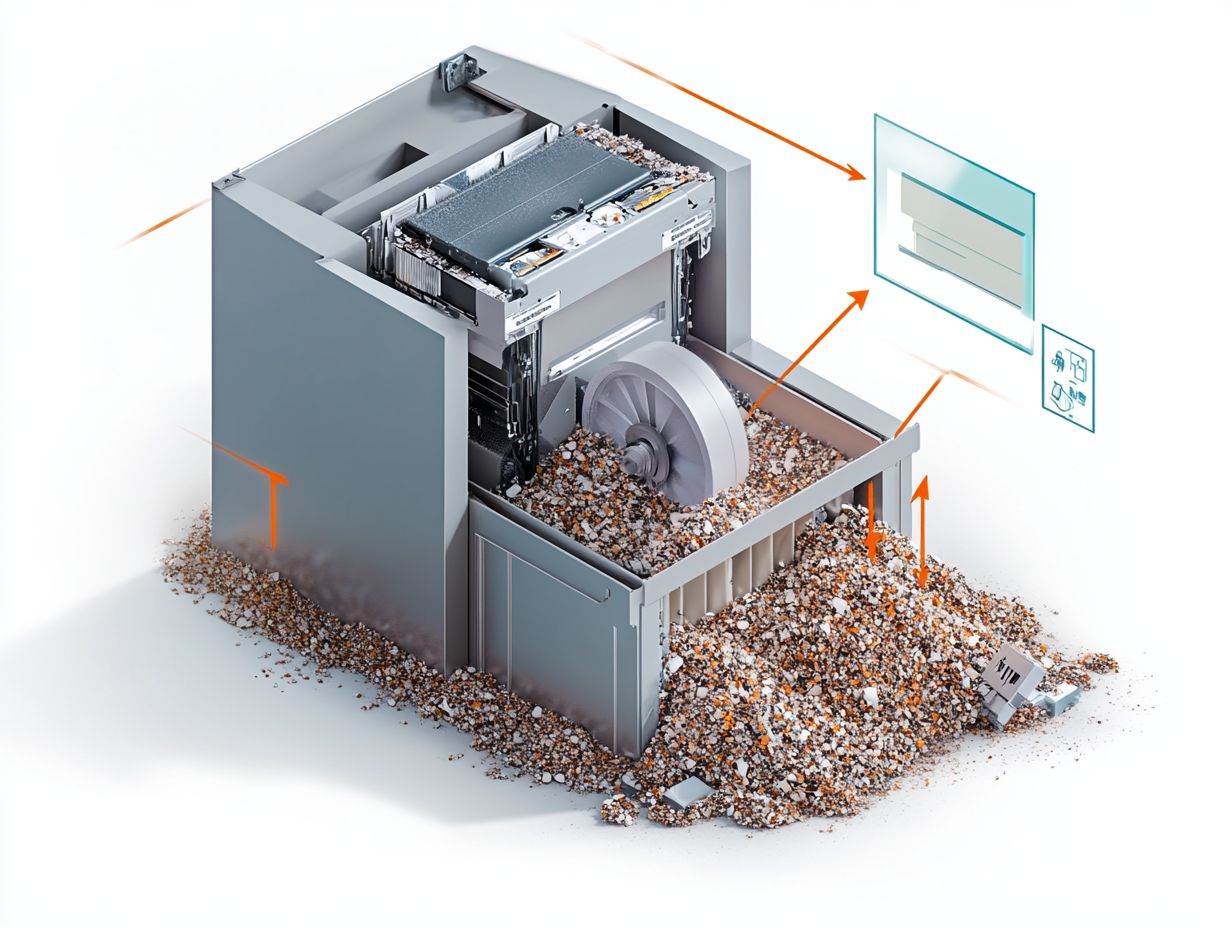
Shredding is not the only option, but it is the one that works on every drive type. Here is how the other methods compare.
- Data wiping software overwrites the drive so it can be reused. This suits leased or resold equipment, but it needs a working drive and a check that the wipe worked.
- Crushing or drilling damages the drive but can leave parts of the platters or chips readable.
- Physical shredding destroys HDDs, SSDs and other media in one pass, with a certificate to prove it.
Degaussing and Physical Destruction
Degaussing uses a strong magnet to scramble the data on a spinning hard drive. It does not work on SSDs or USB sticks, because they store data on chips rather than magnetic platters.
A degaussed drive also looks intact afterwards, so it is harder to prove the job was done. Physical destruction removes that doubt.
The UK National Cyber Security Centre gives practical advice on choosing between these methods in its guide to secure sanitisation of storage media. For drives that held sensitive data, physical destruction is the safest choice.
Ensuring Data Security During the Shredding Process
Most data leaks from old drives happen before shredding, not during it. A few simple habits close those gaps.
Best Practices for Protecting Sensitive Information
- Keep old drives locked away until collection day, not in an open store room.
- Keep a simple list of retired devices so nothing goes missing between teams.
- Check your provider’s credentials, such as ISO 27001 and WEEE compliance.
- Ask for a certificate with serial numbers, not just a total count.
- Choose on-site shredding if your data is highly sensitive or you need to witness the destruction.
- Book regular collections if your business replaces equipment often, so drives don’t pile up.
Total Shred provides secure hard drive destruction and shredding across the UK, on-site or off-site. Prices start from £5 per device, with bulk rates for larger volumes. Clearing out whole offices? Our IT equipment disposal service handles laptops, PCs and servers too.
Get a free quote or call 0800 298 4009 to book your collection.